140
Appendix A. Installation and Maintenance
Operating and Storage Environment
Operating Position
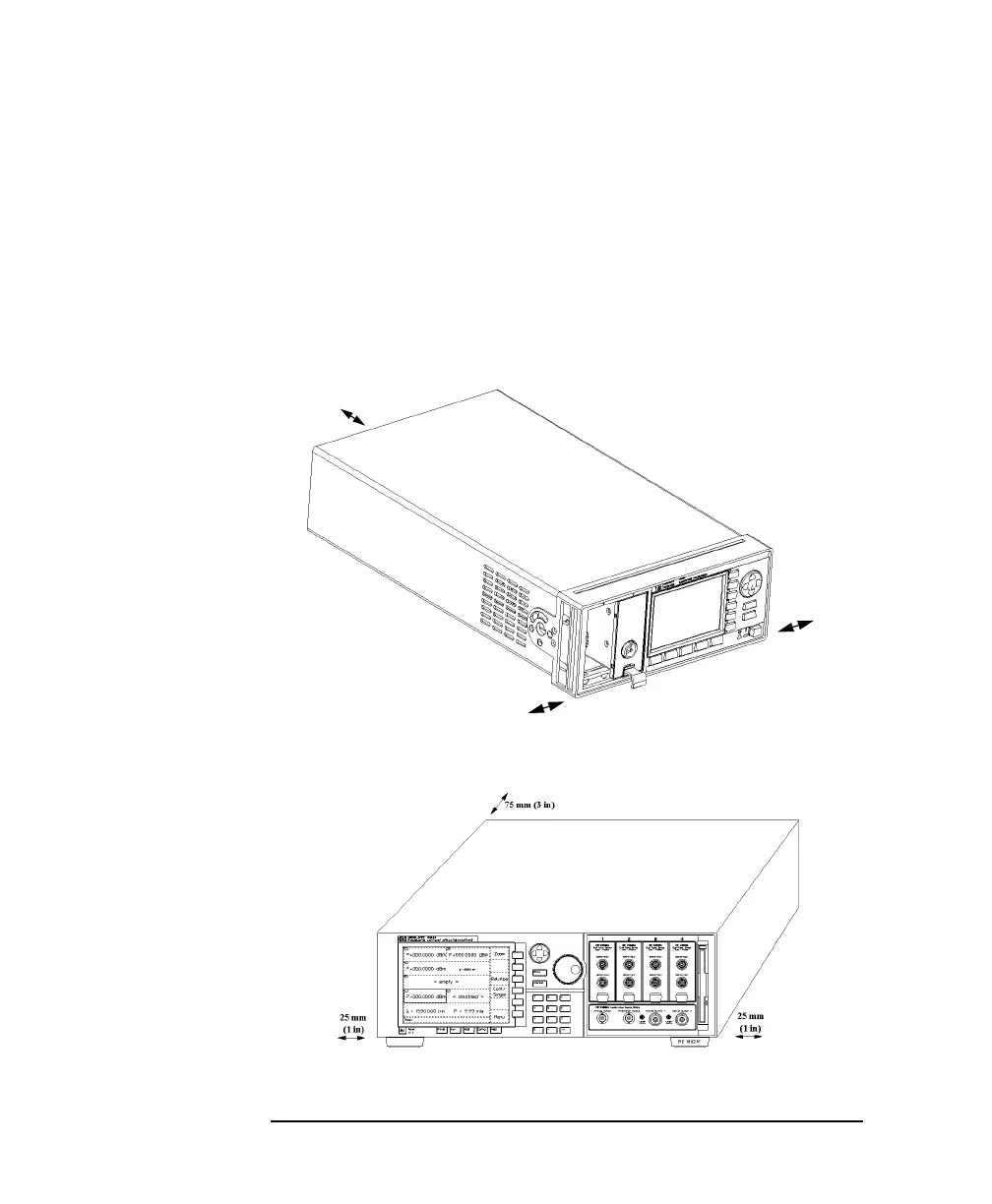
When operating the HP 8163A or the HP 8164A, choose a location
that provides at least 75 mm (3 inches) of clearance at the rear, and
at least 25 mm (1 inch) of clearance at each side. Failure to provide
adequate air clearance may result in excessive internal temperature,
reducing instrument reliability. The instrument should not operate
when mounted on its rear or side panels.
Figure A-5 Correct Operating Position of the 8163A
Figure A-6 Correct Operating Position of the HP 8164A
25 mm
(1 inch)
25 mm
(1 inch)
75 mm
(3 inches)



 To Next Page