43
Getting Started
How to Change the Value of a Parameter
How to Make a Small Change to a Continuous
Parameter
For small changes to a parameter use the up and down cursor keys,
the numerical keypad (if you are using the HP 8164A), or the
modify knob (if you are using the HP 8164A).
Move to the parameter and then:
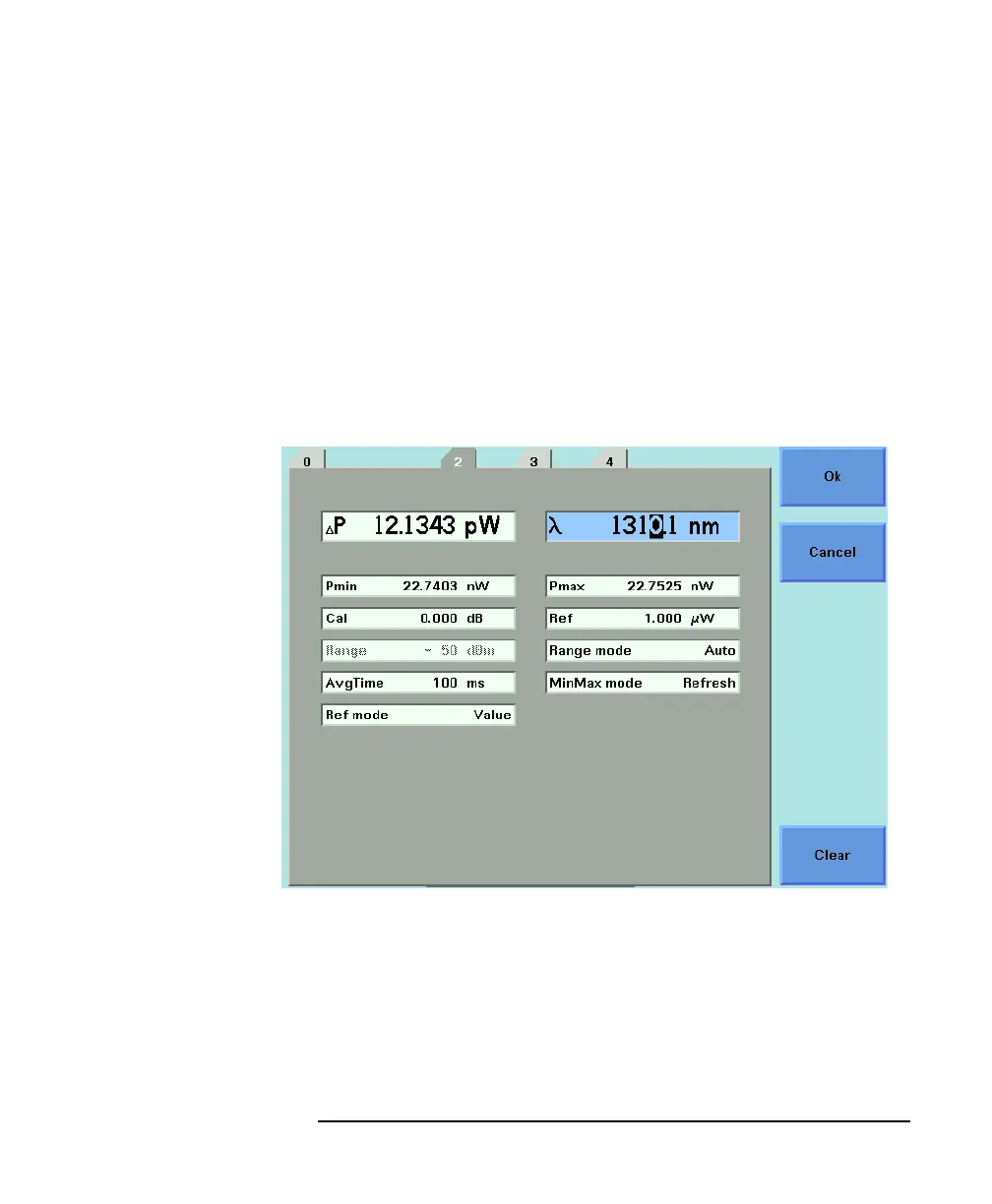
1 Press [Edit]. The first digit before the decimal point will be
highlighted first, as shown in Figure 1-15.
2 If you want to select another digit to edit, use the left or right
cursor key.
3 Enter the new value for the digit by using the keypad, the up and
down cursors or turning the modify knob.
4 Repeat steps 2 and 3 to continue editing the value.
Figure 1-15 The First Digit Before the Decimal Point is Highlighted First



 To Next Page