125
Tunable Laser Sources
How to Use Triggers
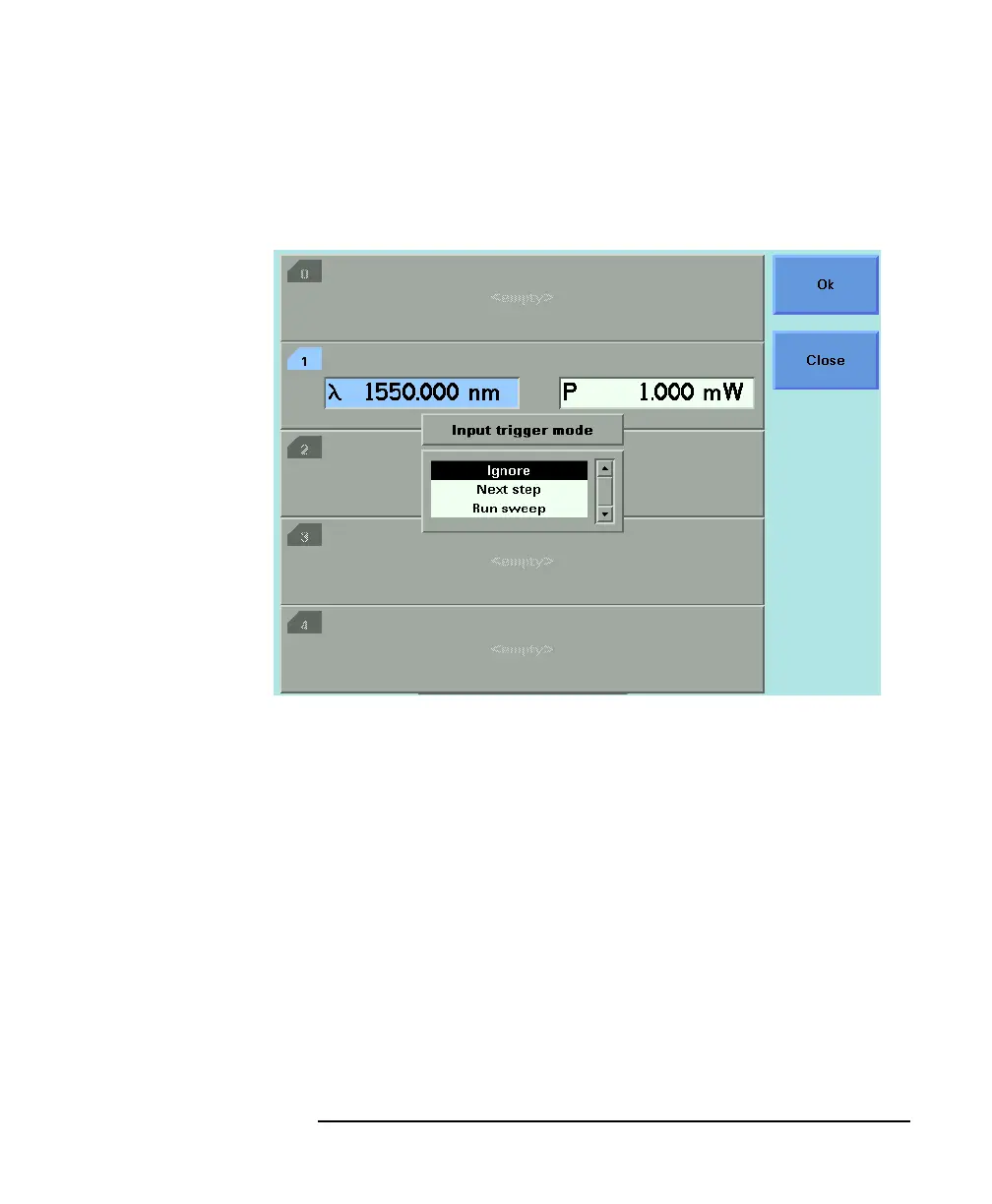
3 Move to <INPUT TRIGGER MODE>, by using the cursor key, and
press ENTER. You will see the screen in Figure 5-17.
4 Move to one of the following, by using the cursor key:
•<IGNORE>, input triggers are ignored.
•<NEXT STEP>, an input trigger will cause the next step of a
sweep to be performed.
•<RUN SWEEP>, an input trigger will cause a sweep to be run.
This is the same as pressing the [Run Swp] softkey.
5 Press ENTER.
How to Use Output Triggering
You can configure your Tunable Laser module to output a trigger
when the instrument performs certain tasks.
To set your module’s Output Trigger Configuration:
Figure 5-17 Input Trigger Mode



 To Next Page