90
Using Laser Source Modules
How to Use Laser Source Modules
Dual-Wavelength Laser Source Modules
Dual-wavelength laser source modules have optical outputs at two
wavelengths. You can choose to output an optical signal at either a
single wavelength or at both wavelengths simultaneously.
To choose both output wavelengths for a dual-wavelength laser
source module:
1 Move to [λ] parameter and press ENTER.
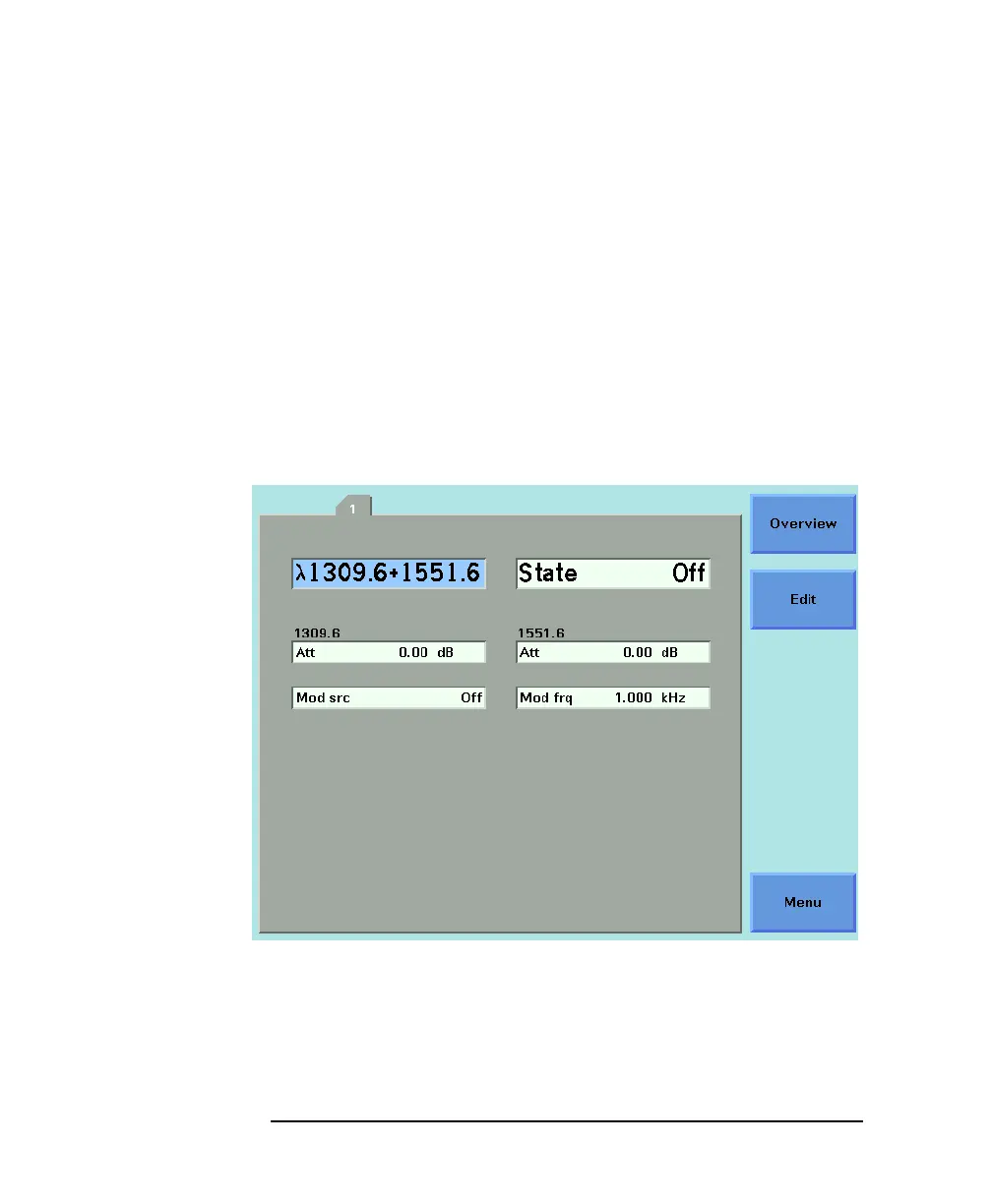
2 Select <1309.6+1551.6>, using the cursor key, and press ENTER.
You will see the screen in Figure 4-2.
How to Enable/Disable Laser Output
To enable laser output using the user interface:
Figure 4-2 Dual-Wavelength Laser Source Outputs Both Wavelengths



 To Next Page