128
Tunable Laser Sources
How to Use Auxiliary Functions
How to Perform a Wavelength Zero
Performing a Wavelength Zero recalibrates the optical wavelength.
This wavelength may drift due to a change in temperature and other
environmental conditions.
A Wavelength Zero is automatically performed when the
instrument boots or when an Automatic Realignment is performed.
To perform a wavelength zero:
1 Move to the Tunable Laser channel and press MENU.
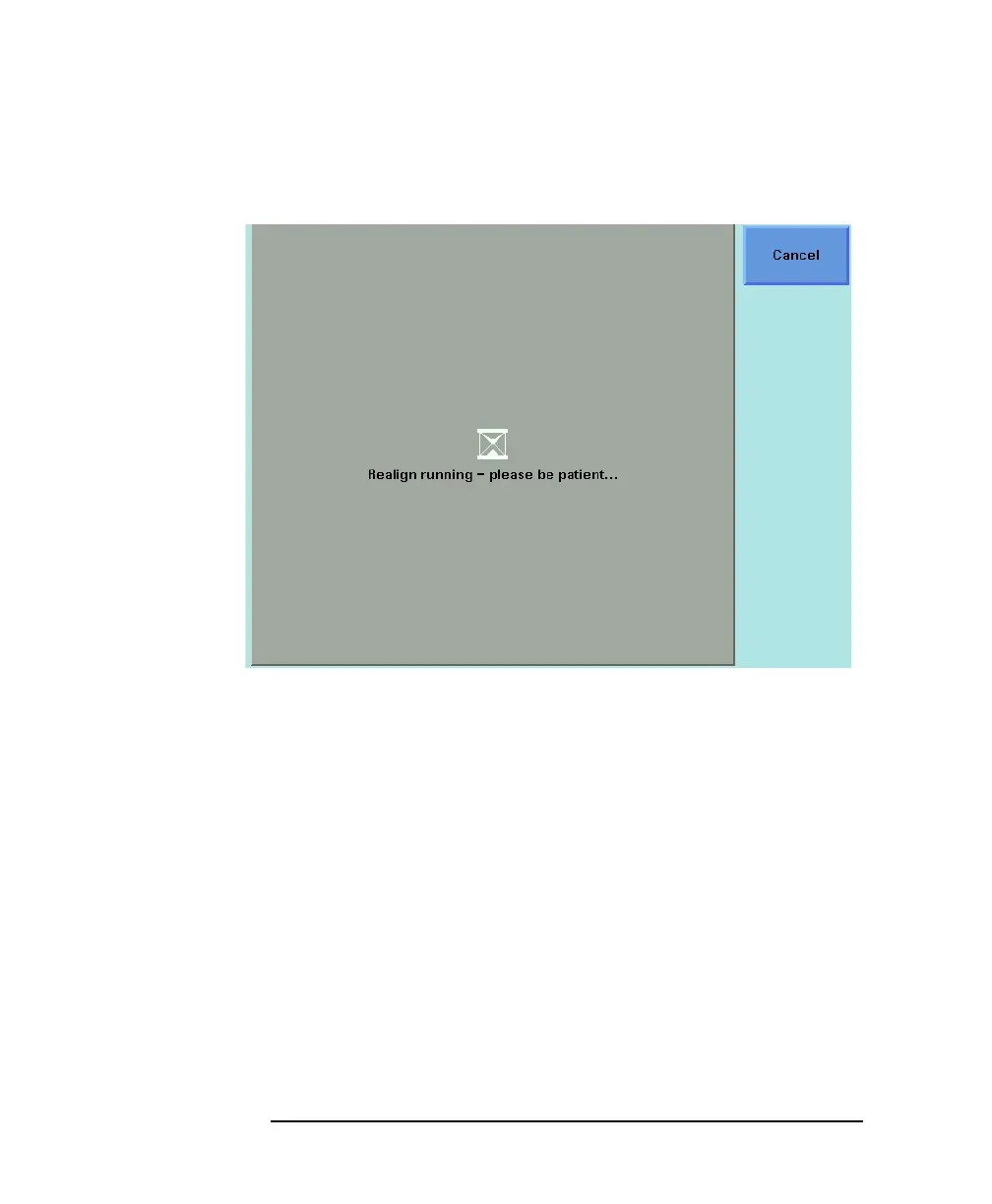
2 Move to <λ ZERO> and press [OK]. You will see the screen in
Figure 5-20.
Figure 5-19 Realign Screen



 To Next Page