92
Using Laser Source Modules
How to Use Laser Source Modules
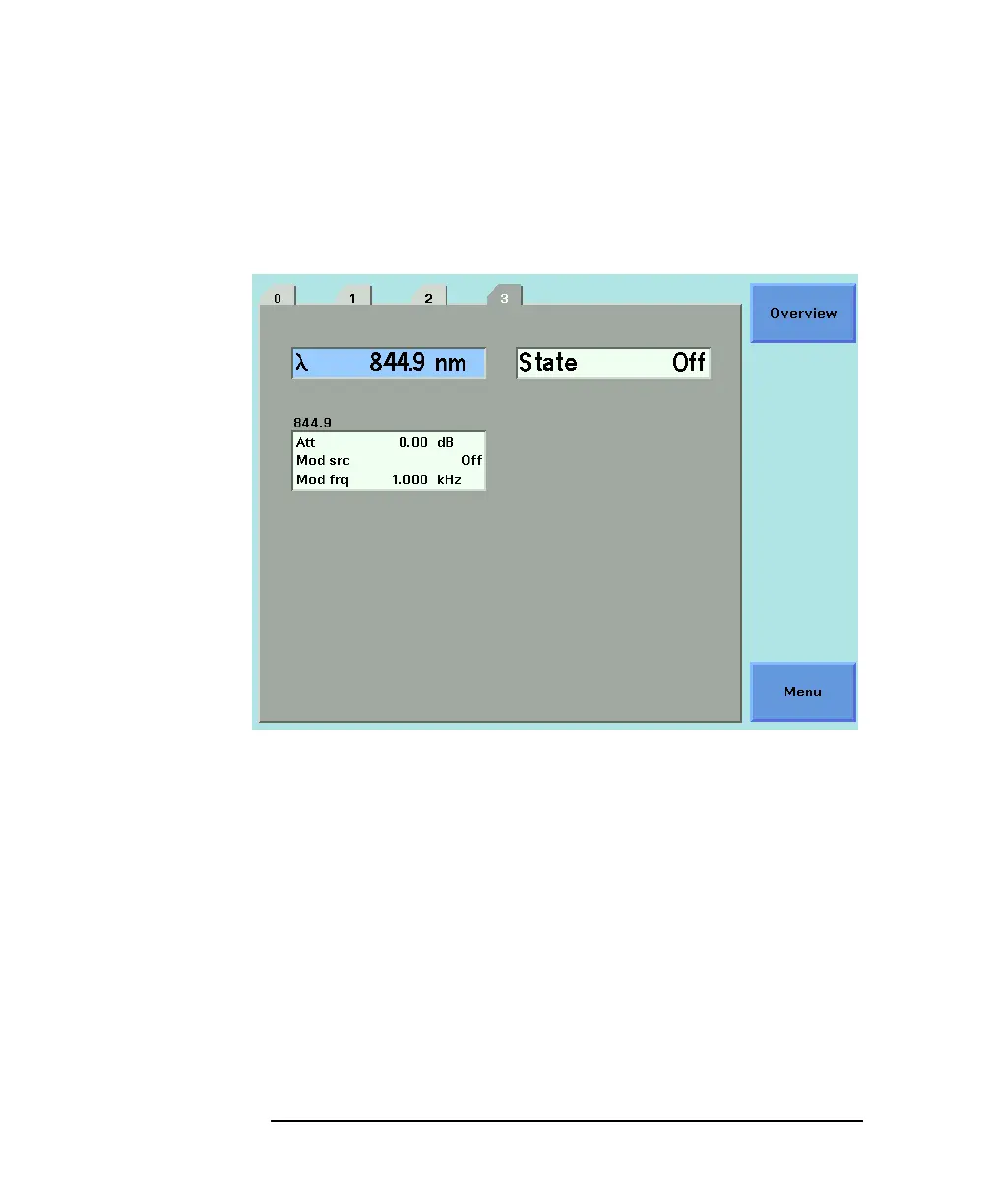
1 Move to the laser source channel and press the [Details] softkey.
You see the screen in Figure 4-3.
2 Move to the [ATTENUATION] parameter and press ENTER.
3 Enter 2.000 and press ENTER.
How to Modulate the Optical Output
How to Change Modulation Source
The Modulation Source parameter, [MOD SRC], allows you to
modulate the output signal.
If <INTERNAL> is displayed, the mainframe to modulate sthe
optical output. The laser source is modulated at the frequency
Figure 4-3 The Power Sensor Details Screen



 To Next Page