45
Getting Started
How to Change the Value of a Parameter
How to Set All Parameters to Their Default Values
Press PRESET to set all parameters to their default values.
If You Make a Mistake
If you make a mistake while you are editing a parameter, you can
cancel the editing, and retain the previous value for the parameter
by pressing the [Cancel] softkey.
If the Parameter Changes to Different Value
If you press ENTER or the [OK] softkey and the parameter changes
to a different value, then you tried to enter a value outside the
calibrated range. The new value is the nearest valid value to the
value you entered.
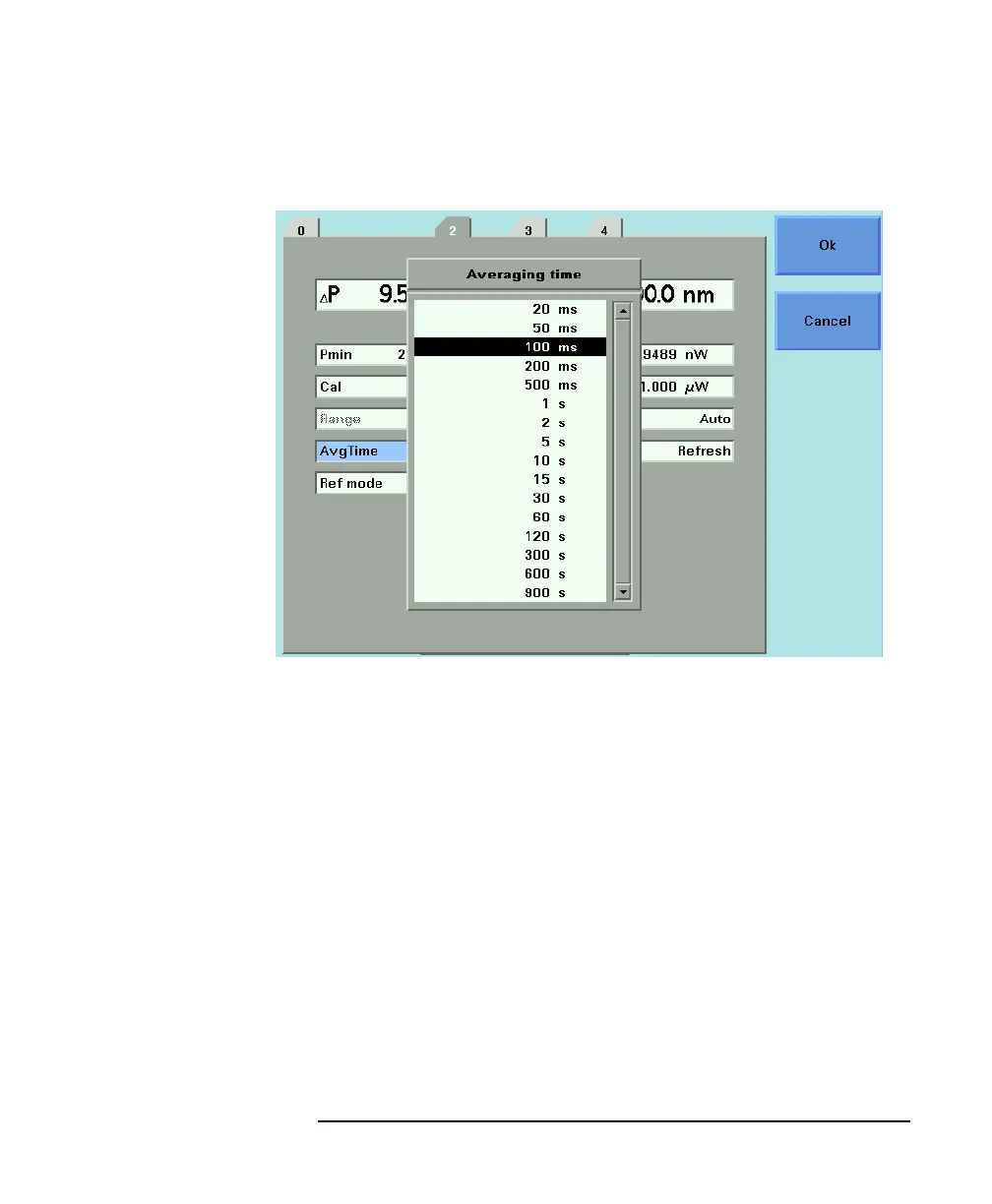
Figure 1-16 Averaging Time Menu



 To Next Page