66
Power Measurement
How to Measure Power
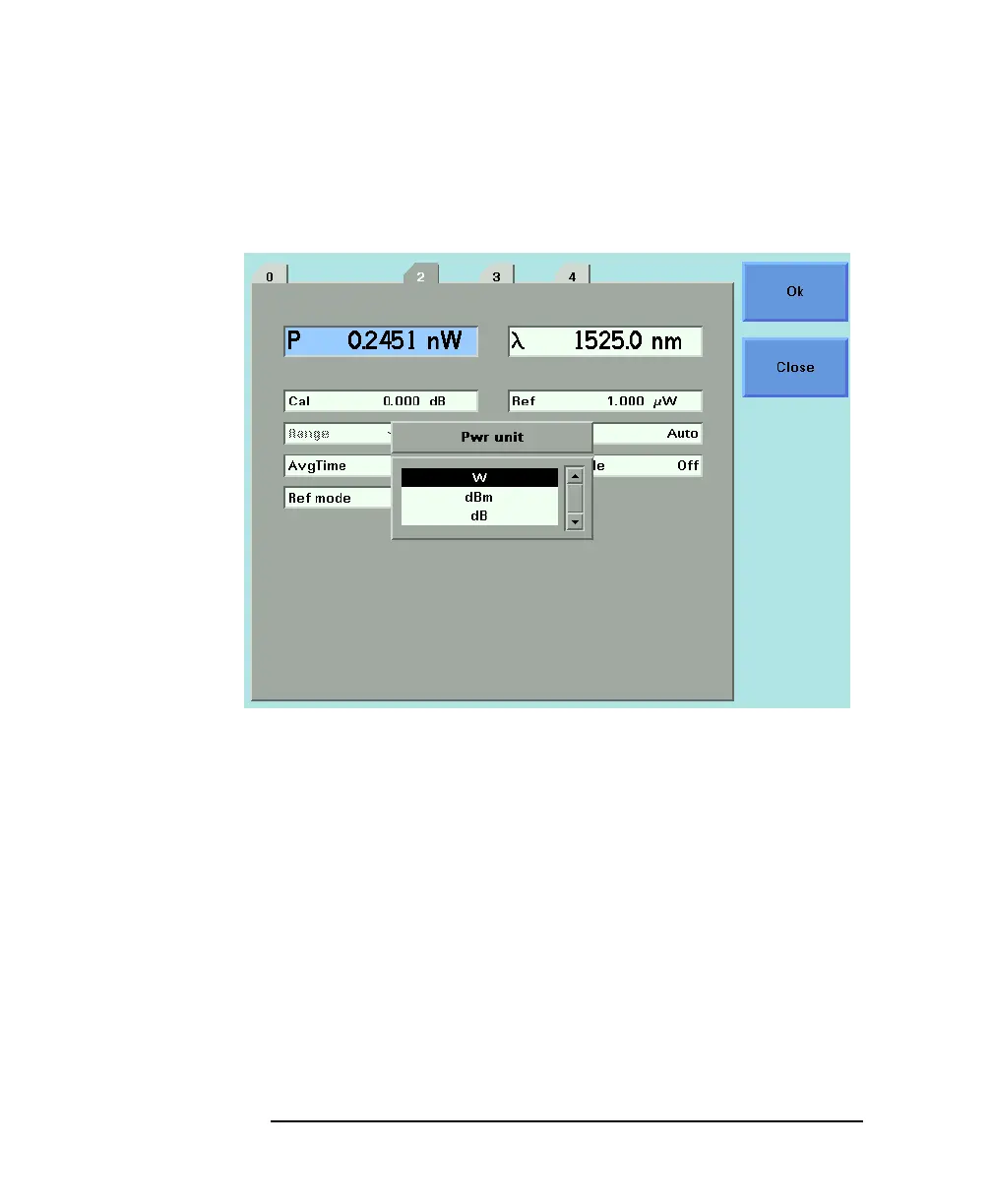
2 Move to <dBm>, by using the cursor key, and press ENTER.
How to Set the Calibration Offset
This is a calibration offset that you can enter to compensate for
external optical circuitry, for example, the HP 81022FF Integrating
Sphere or a 3 dB coupler. The calibration offset, [CAL], is
automatically subtracted from the input signal.
P
measured
(dBm) = P
input
(dBm) − CAL(dB)
Where,
P
measured
is the adjusted value of the signal read in dBm,
Figure 3-2 Selecting the Power Unit



 To Next Page