126
Tunable Laser Sources
How to Use Triggers
1 See “How to Set the Trigger Configuration” on page 56 for how
to configure the trigger connectors.
2 Move to the Tunable Laser channel and press [Menu].
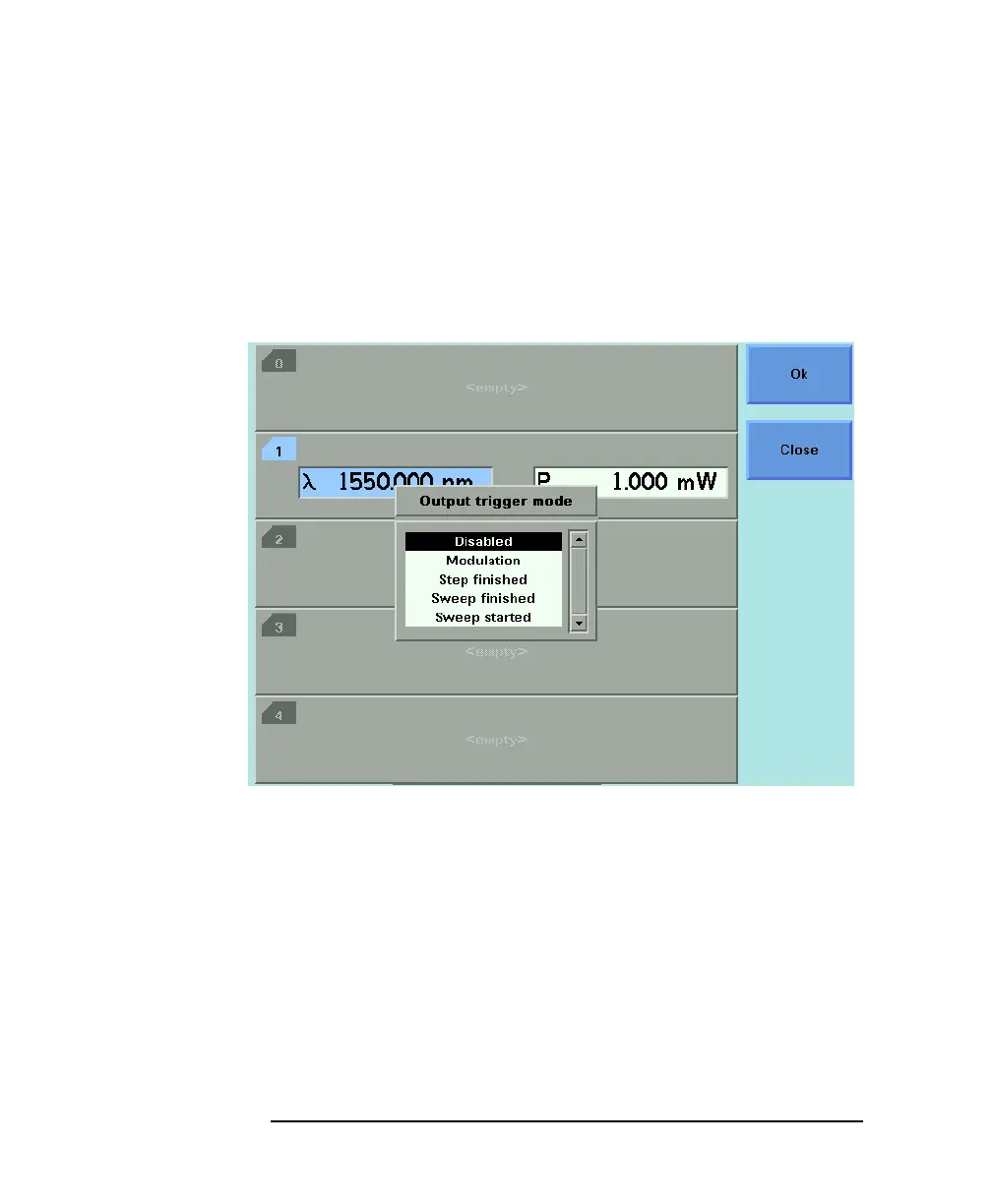
3 Move to <OUTPUT TRIGGER MODE>, by using the cursor key,
and press ENTER. You will see the screen in Figure 5-18.
4 Move to one of the following, by using the cursor key:
•<DISABLED>, the output trigger mode is disabled.
•<MODULATION>, the output trigger connector outputs a TTL
signal at the frequency of the internal modulation. This signal is
output whether the laser is switched on or off.
•<STEP FINISHED>, a trigger is output after every step of a
sweep finishes.
•<SWEEP FINISHED>, a trigger is output after a sweep finishes.
•<SWEEP STARTED>, a trigger is output after a sweep starts.
5 Press ENTER.
Figure 5-18 Output Trigger Mode



 To Next Page