135
Appendix A. Installation and Maintenance
AC Line Power Supply Requirements
CAUTION Please note that the power key on the front panel of the HP 8164A
Lightwave Measurement System does not stop the flow of power to the
instrument. The power key allowsyou to switch between stand-by mode
and power-on mode.
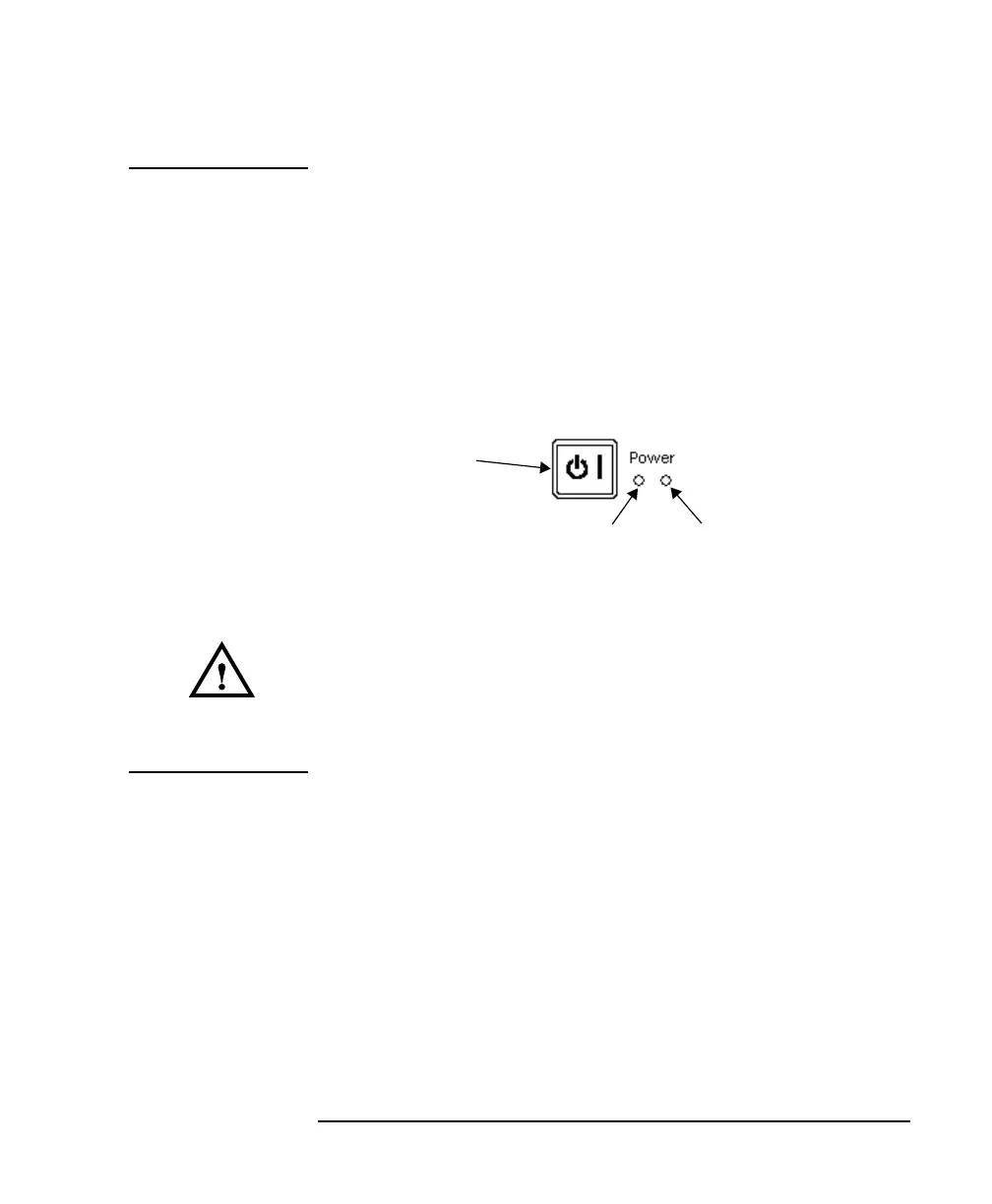
When the green power-on LED is lit, you can use the instrument. When
the orange stand-by mode LED is lit, the Lightwave Measurement
System is in stand-by mode. Do not remove the instrument covers - the
power supply is still operating in stand-by mode.
If you need to turn off the power, unplug the instrument at the mains or
remove the power cable connector from the appliance coupler at the
rear of the instrument. For this reason, the power cable connection
should be easily accessible - allowing you to turn off the power quickly.
If the instrument is in a cabinet, it must be disconnected from the line
power by the system’s line power switch.
The type of power cable shipped with each instrument depends on
the country of destination. Refer to Figure A-2 for the part numbers
of the power cables available.
Figure A-1 Power Key
Power-on LED (green)
Stand-by mode LED (orange)
Power Key



 To Next Page