33
Getting Started
A Description of the User Interface
beside each module slot. The HP 8164A slot for back-loadable
modules is numbered zero.
NOTE The channel number of single channel modules is always one.
How to Navigate/Modify the Display
Overview Screen
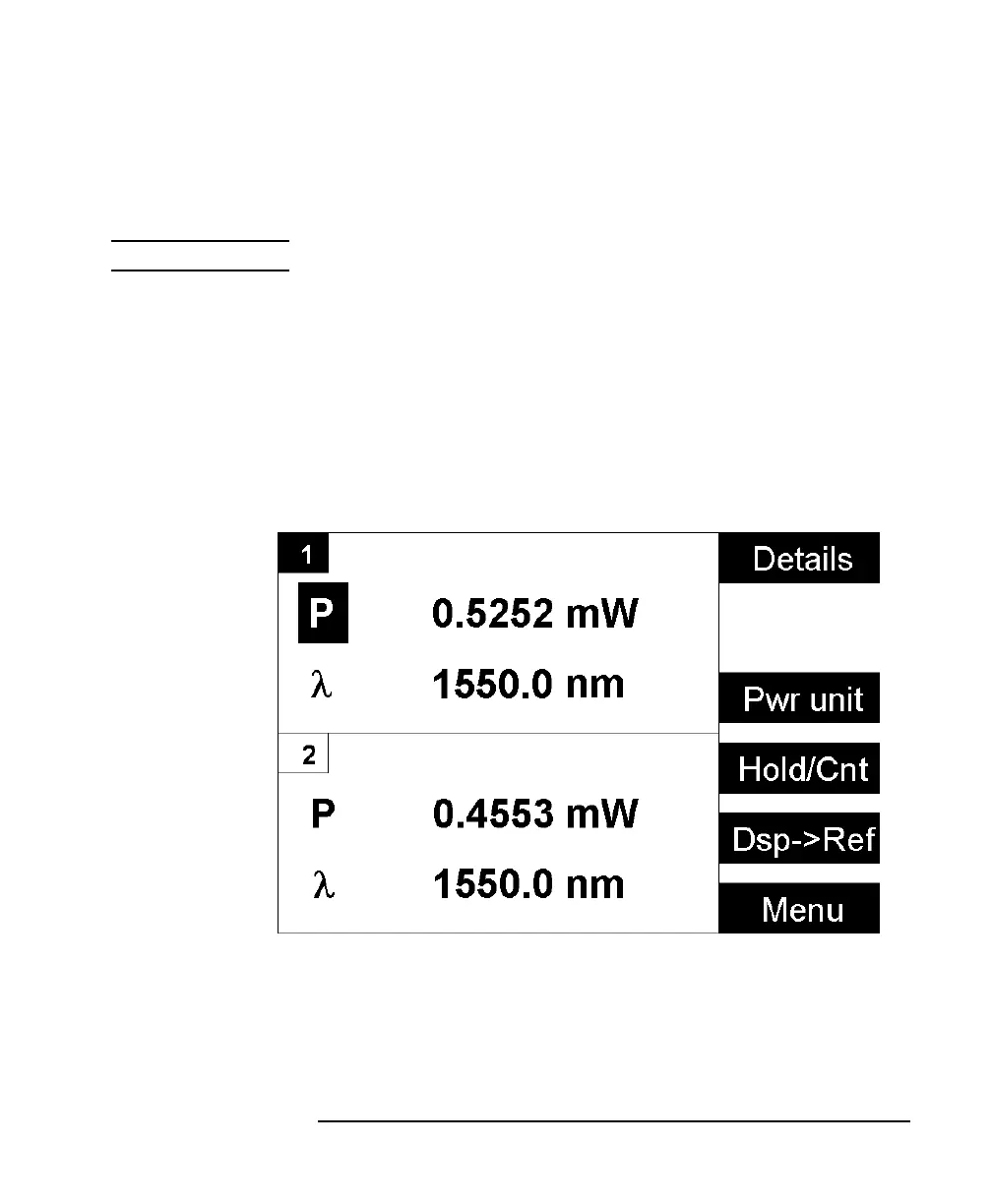
Figure 1-6 shows the overview screen, this screen is shown
immediately after start-up. It shows the most important parameters
of all installed modules.
Figure 1-5 The HP 8163A’s Overview Screen



 To Next Page