39
Getting Started
A Description of the User Interface
How to Change the System Configuration
Press the [Config] softkey to access all the system configuration
parameters that can be changed. Figure 1-13 and Figure 1-14 show
the menu you should see. See Chapter 2 “Additional Features” for
more details.
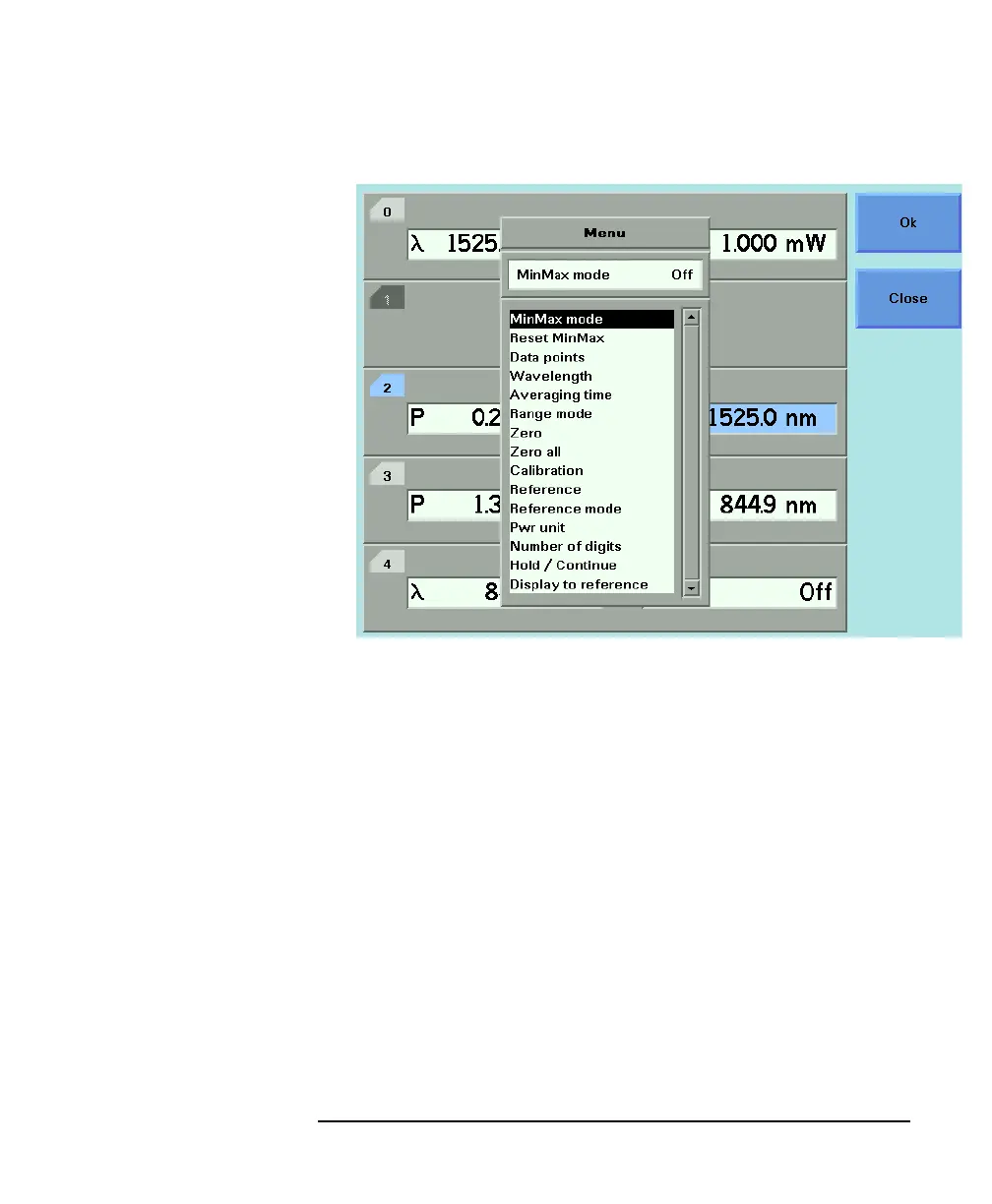
Figure 1-12 The HP 8164A’s Menu for a Power Sensor Channel



 To Next Page