47
Getting Started
A Sample Session
4 Make sure the instrument is powered up.
5 How to set the wavelength for the Power Sensor module:
a Move to the wavelength parameter, [λ], for the Power
Sensor module and press ENTER.
b Enter 1540.000 and press ENTER.
6 How to set the averaging time for the Power Sensor module:
a Move to the measurement averaging time, [TAV G ], and
press ENTER.
b Move to <1 s>, using the cursor key, and press ENTER.
7 For the Power Sensor module, make sure that Watts are the
selected Power Unit and that the instrument is in automatic
ranging mode. To change these settings:
a Move to the power parameter, [P], and press the
[Power Unit] softkey.
b Move to <W>, using the cursor key, and press ENTER.
c Move to the [RANGE MODE] parameter and press ENTER.
d Move to <AUTO>, using the cursor key, and press ENTER.
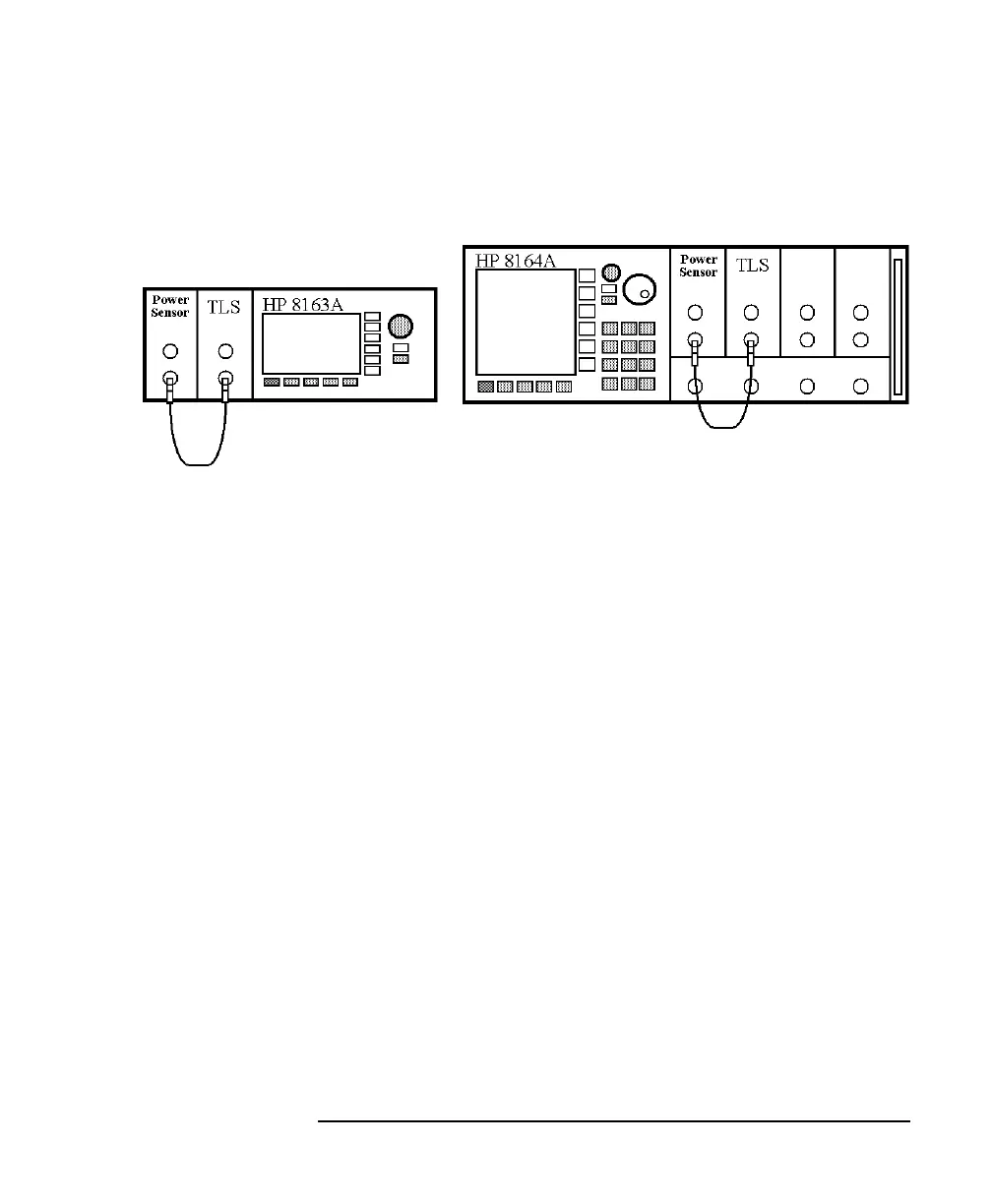
Figure 1-17 Connecting the Instrument for the Sample Session



 To Next Page