55
Other Functions
Using the System Utilities
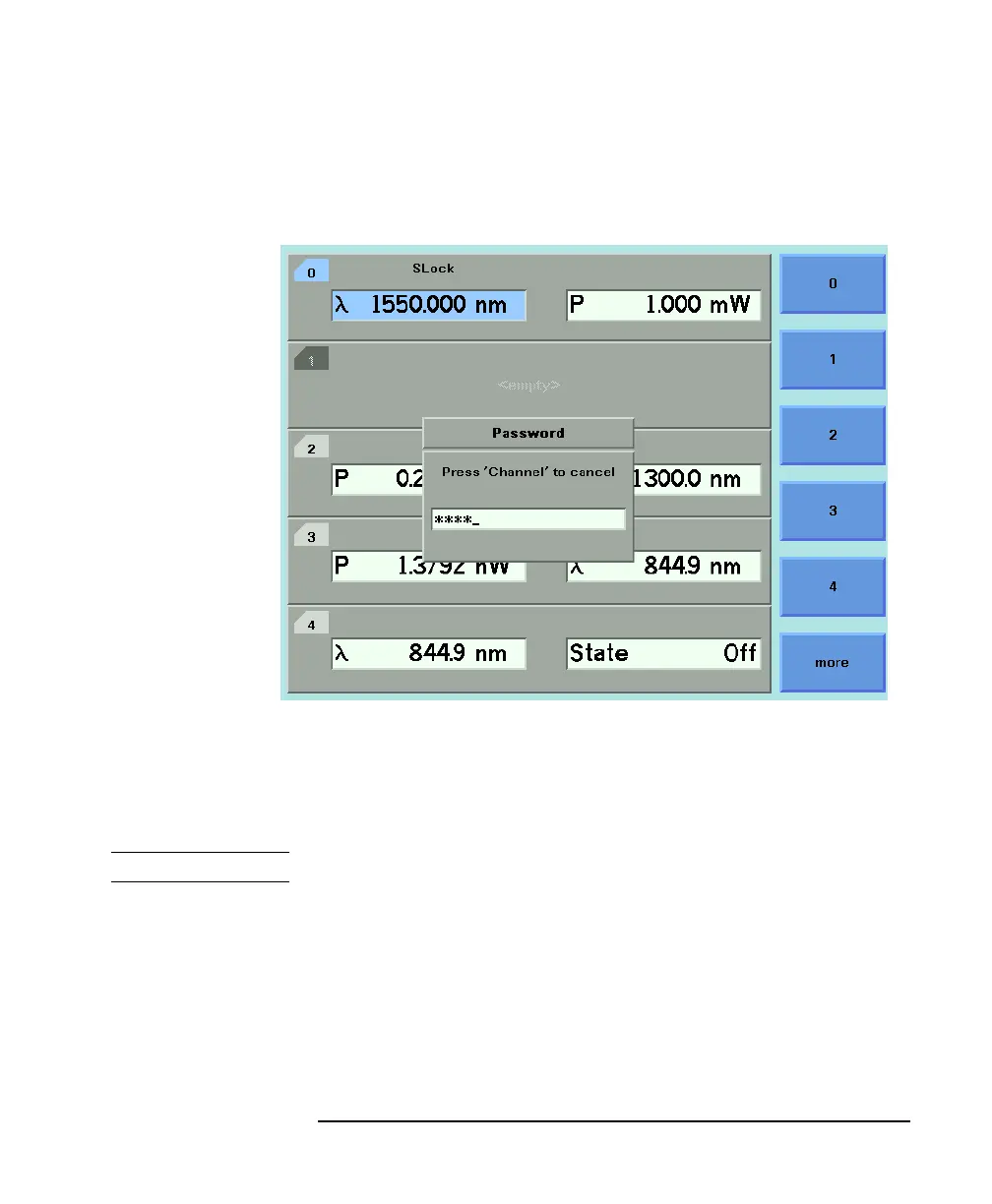
3 Enter the password, using the softkeys or the numerical keypad.
Press ENTER and the instrument unlocks.
NOTE The default password is
1234
.
To lock the instrument, perform the steps above, but in step 2 move
to the <LOCK> menu option in place of the <UNLOCK> menu
option.
Figure 2-5 Unlocking the Instrument



 To Next Page