72
Power Measurement
How to Measure Power
NOTE If you see the screen shown in Figure 3-6, the zeroing operation has
failed because the Power Meter received light. The most common
reason for zeroing to fail is if
• a source is connected to the Power Meter’s input connector,
• the fiber connected to the Power Meter’s input connector is
collecting light, or
• the Power Meter receives ambient light because the input
connector is uncovered.
Press ENTER and start again at step 1.
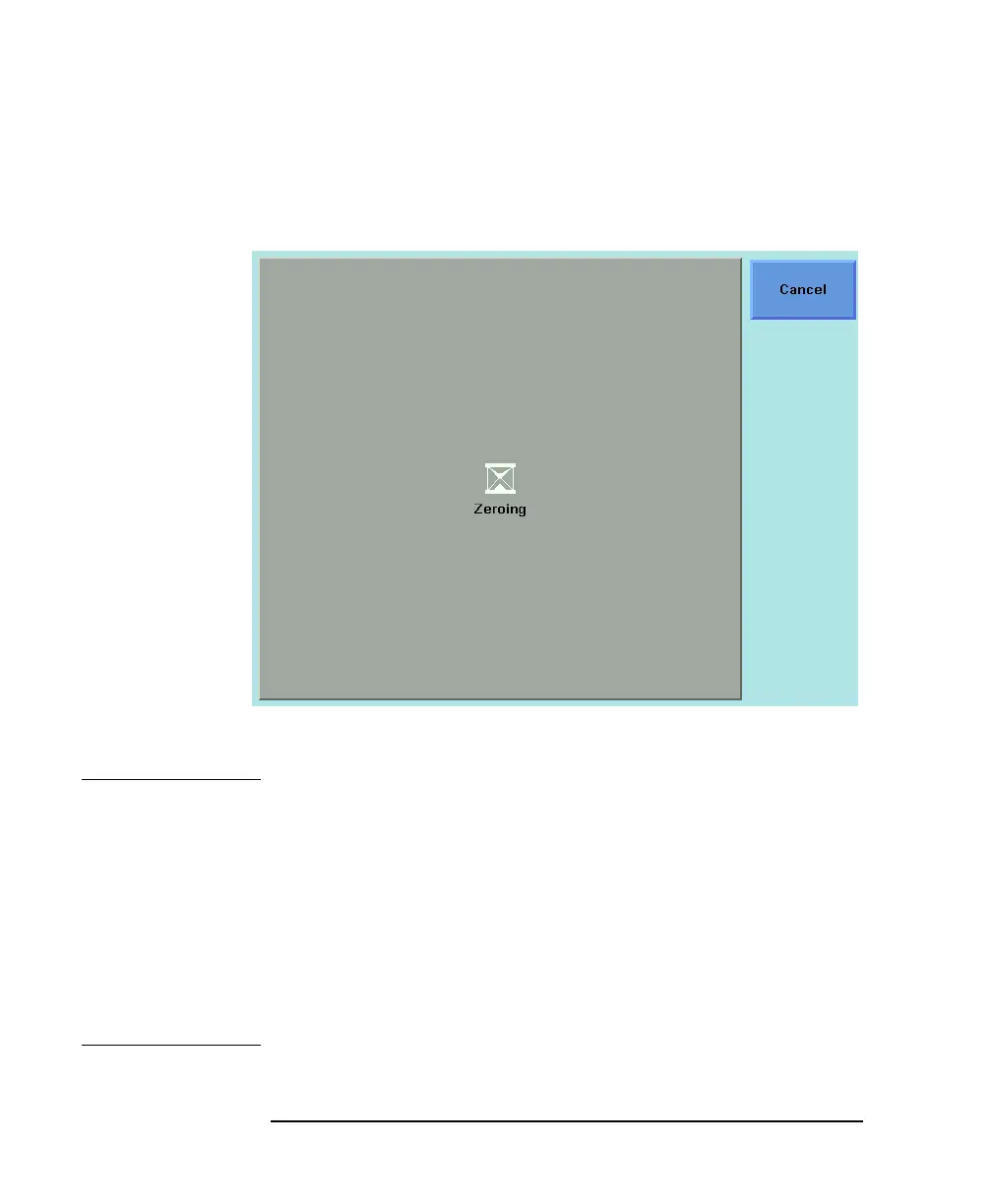
Figure 3-5 Zeroing Screen



 To Next Page