83
Power Measurement
How to Measure Power
To choose the <REFRESH> MinMax mode:
1 Move to the Power Meter channel and press the [Details]
softkey.
2 Move to the [MINMAX MODE] parameter and press ENTER.
3 Move to <REFRESH>, by using the cursor key, and press ENTER.
The screen in Figure 3-3 appears.
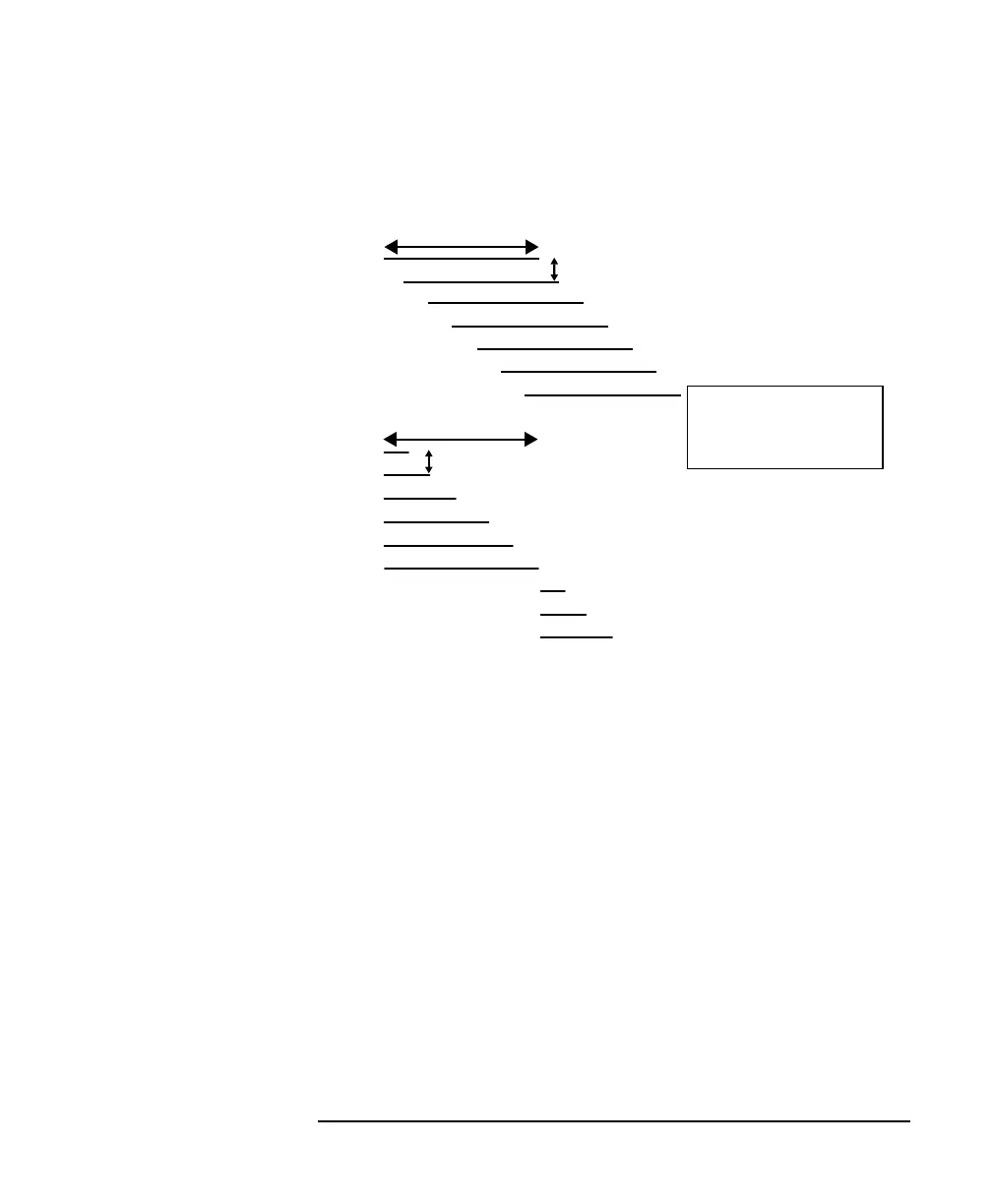
Figure 3-2 The Window and Refresh Modes
Window
Reset
N Samples
N Samples
Time for display to update
Time for display to update
The length of the lines
displayed represents the
size of the buffer at the
time of update
Mode
Mode



 To Next Page