Basic Call Features
115
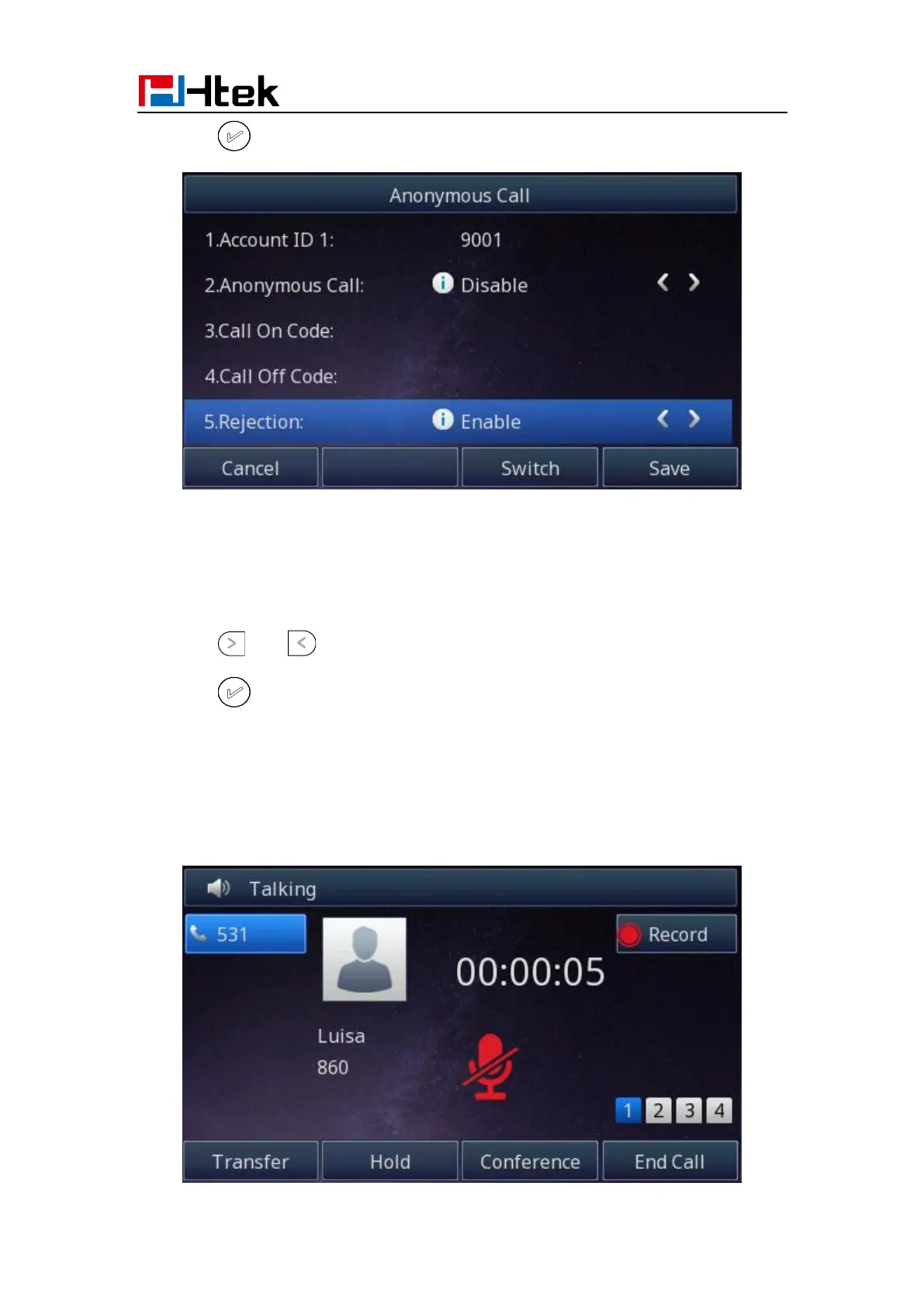
3. Press or Save soft key to save the configuration
To cancel rejecting anonymous call
1. Press Menu →Features →Anonymous Call →Account ID 1
2. Press and key to select the disable choice in Rejection filed.
3. Press or Save soft key to save the configuration.
Call Mute
When you use the Mute feature, the other parties will not hear your voice while you can
hear their voice. Call mute applies to all modes (handset, headset, and speakerphone).



 To Next Page