Function Key Features and
Settings
132
the previous call will be put on hold and the intercom call will be answered
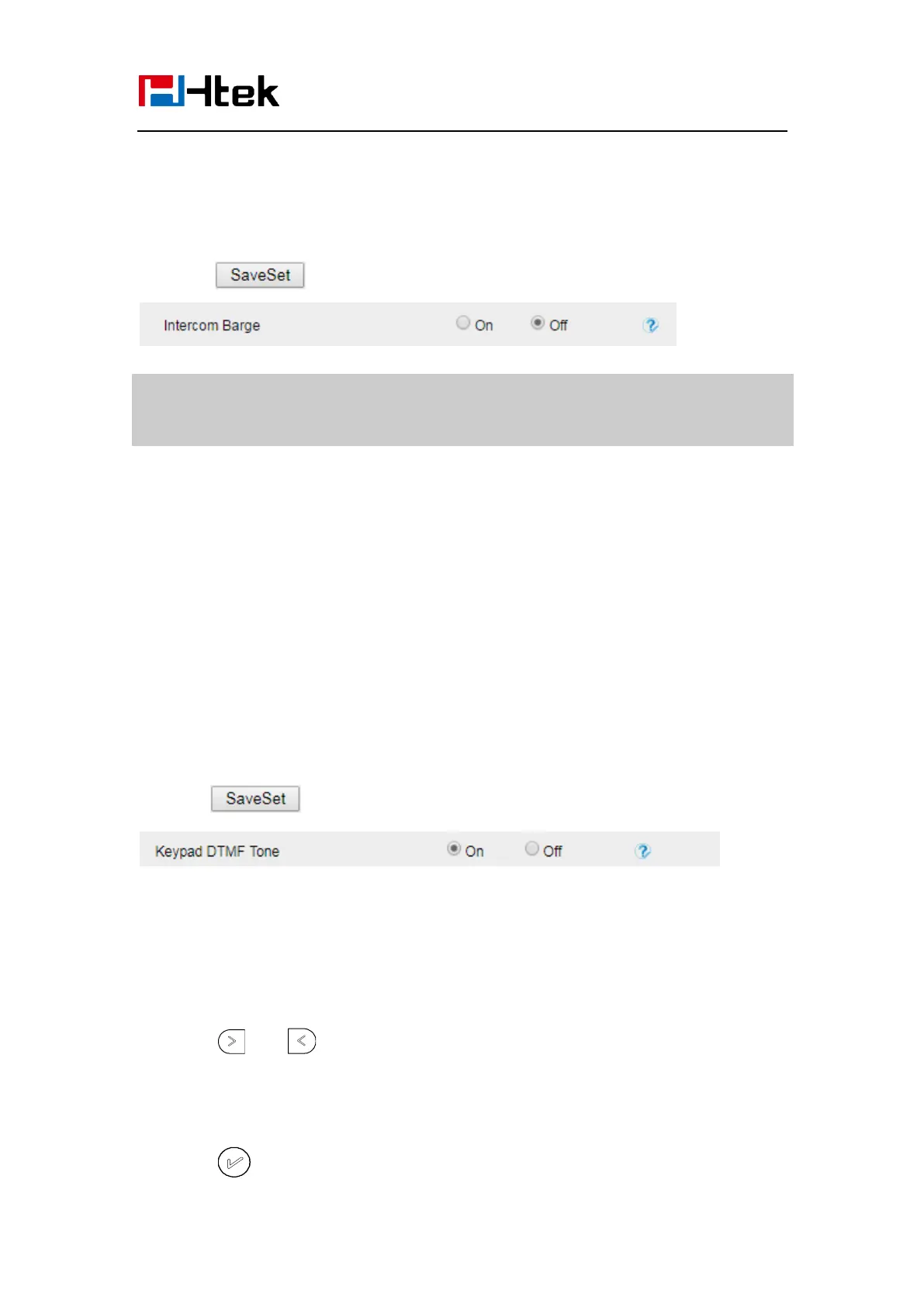
1. Click the Setting Preference
2. Set On or Off for Intercom Barge.
3. Click for the setting.
Note:
This feature is not available on all servers. For more information, contact your
system administrator.
DTMF
When the key is configured as DTMF key, you are allowed to send out the desired DTMF
number during the conversation.
To use this feature, you should sure that the DTMF Tone is on.
To configure the DTMF via Web interface
1. Click Setting→ Preference
2. Select On for Keypad DTMF Tone.
3. Click to save the configuration.
To configure the DTMF via Phone interface
1. Press Menu →Features →Function Keys →Line Keys as Function Keys → Line
Key2(for example)
2. Press and key to select the DTMF in the Type field.
3. Enter the value with the Desired DTMF number
4. Press or Save soft key to save the configuration



 To Next Page