Function Key Features and
Settings
122
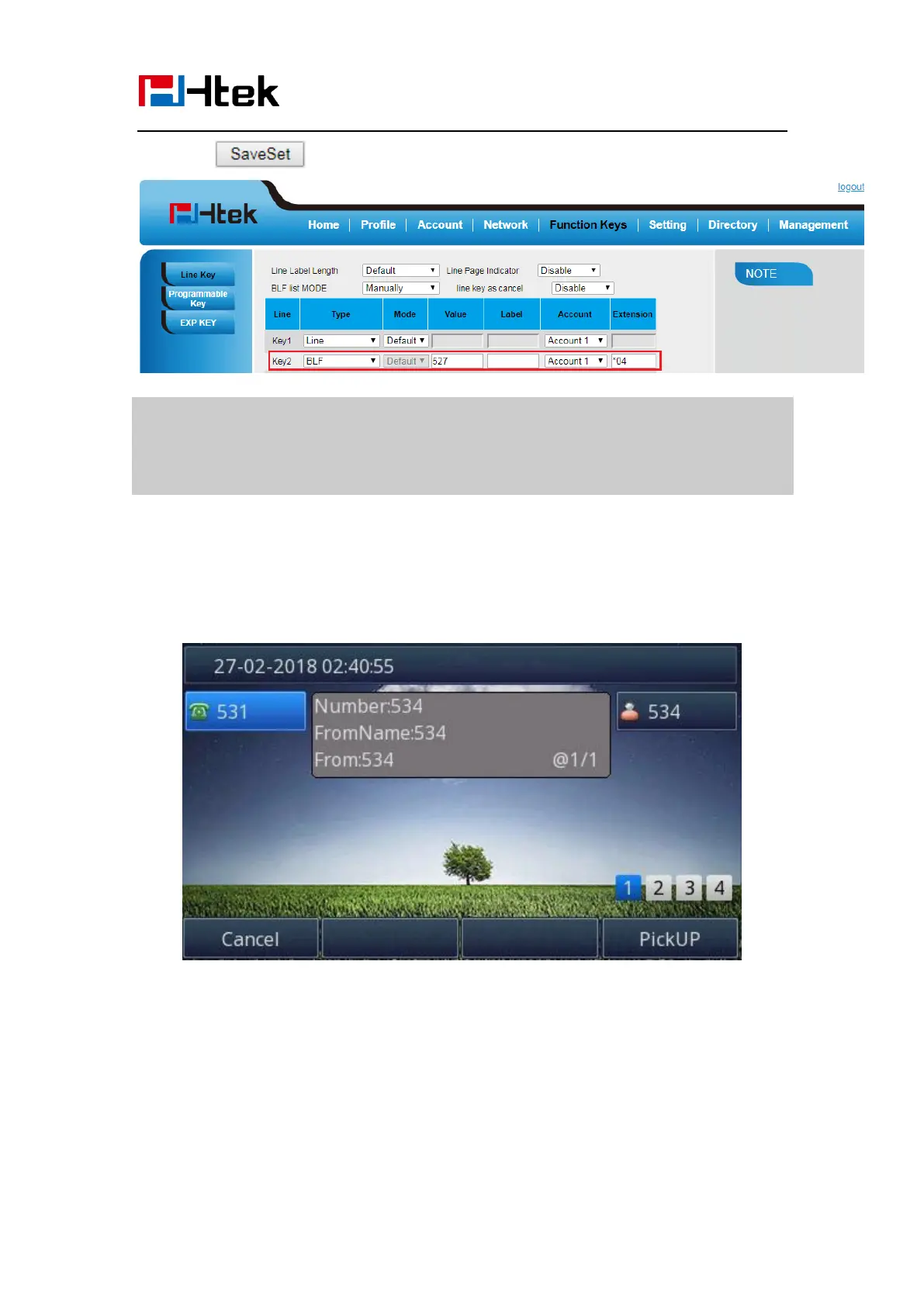
6. Click to save the configuration.
Note:
This feature is not available on all servers. For more information, contact your
system administrator.
After setting the BLF key, do not need to restart the phone.
Visual Alert for BLF Pickup
If this option is on, when you use the BLF feature to monitor a specific phone whether it is
busy or free, you can see this message on the LCD, as shown in the following figure.
To configure Visual Alert for BLF Pickup via Web interface
1. Click Setting →Features →Call Pickup→ Visual Alert for BLF Pickup
2. Select Enable or Disable for Visual Alert for BLF Pickup.



 To Next Page