Basic Call Features
102
Call Transfer
This phone supports blind, attended and Semi-Attended Transfer.
Blind Transfer
When you use this feature, you can transfer
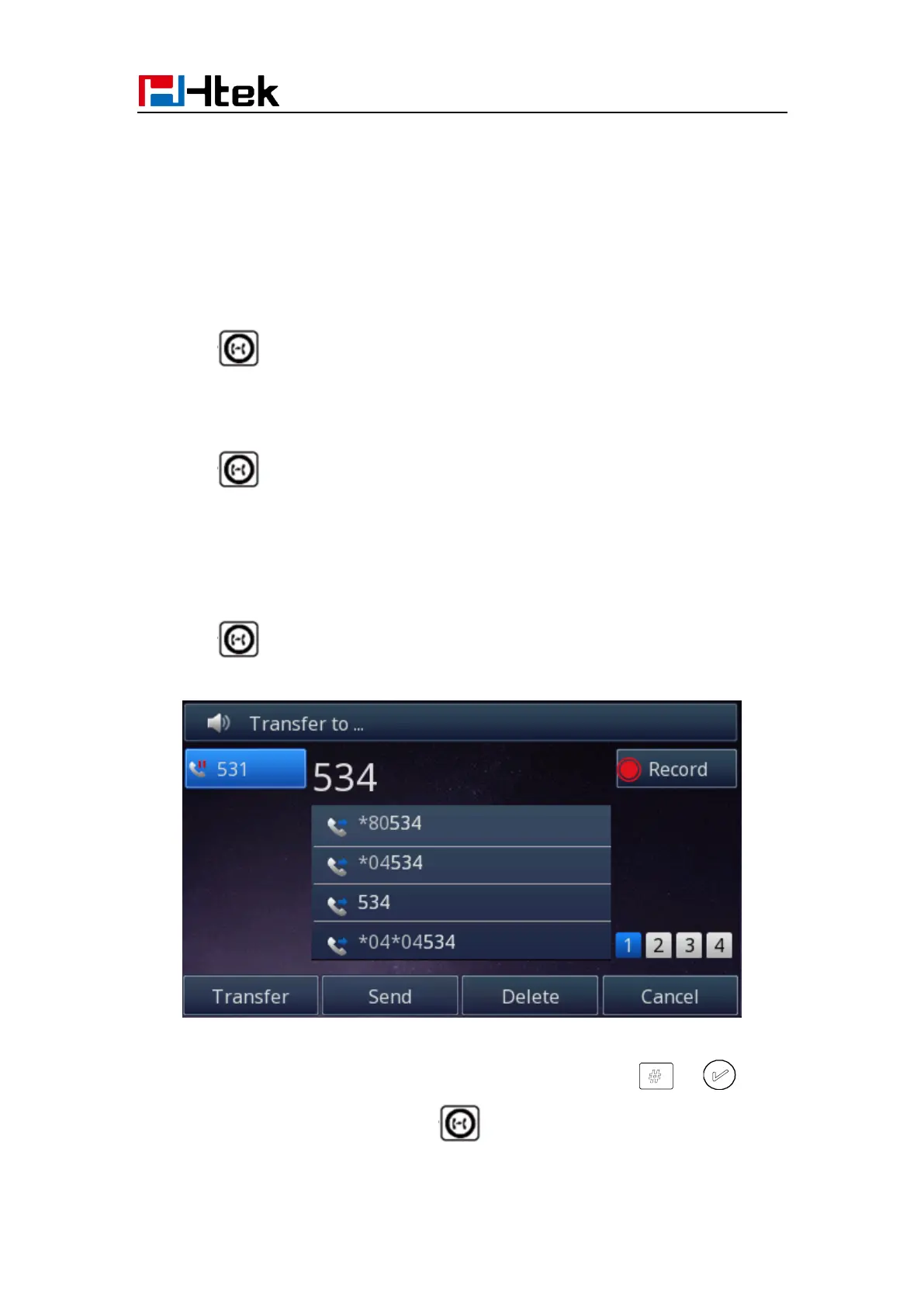
1. Press or Transfer soft key during the conversation, the call is on hold now.
2. Enter the number that transfers to.
3. Press or Transfer soft key, and now the blind transfer completed.
Attended Transfer
When you use this feature, you can
1. Press or Transfer soft key during the conversation, the call is on hold now.
2. Enter the number that transfer to, and press the send soft key or or .
3. Start the second conversation, press or Transfer soft key, then, transfer
completed.



 To Next Page