WIFI Feature
172
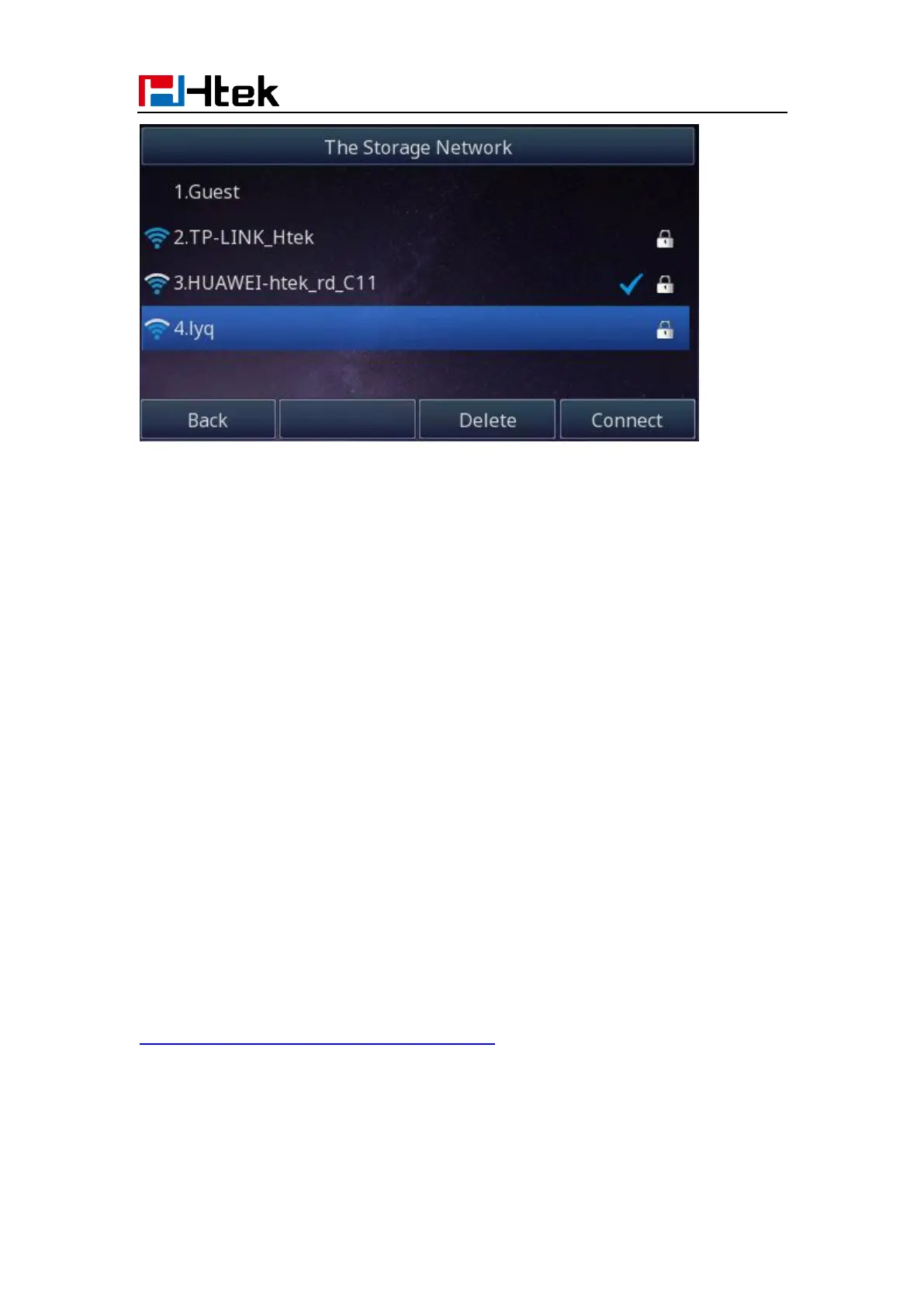
You can choose this wireless network to connect it.
Note:
Contact your network administrator for the Wi-Fi password.
How to Disable Wi-Fi feature?
To disable the Wi-Fi feature via Phone interface:
1. Find Menu then navigate as follows
Menu->Settings->Basic Setting->Wi-Fi:
2. Press the Switch button to turn off Wi-Fi feature
3. Press the Save button to save the configuration.
Provision
Provision can be assigned to the phone in batches, which can be used in provisioning a
large number of IP Phones to access the same Wi-Fi. Provision can be configured using
the configuration file or phone. For more details, you can refer to
Htek_IP_Phones_Administrator_Guide_V4_4_24.
To configure the Wi-Fi type via Phone interface:
1. Find Menu then navigate as follows
Menu->Settings->Basic Setting->Wi-Fi.
Press the Switch button to switch to the Provision Mode and enter.



 To Next Page