Basic Call Features
99
1. To press the Reject soft key to reject the call. Or press to reject the current call.
2. To press Forward to forward to another phone.
3. To press Silence soft key, and then the call will keep silent, no ring tone display.
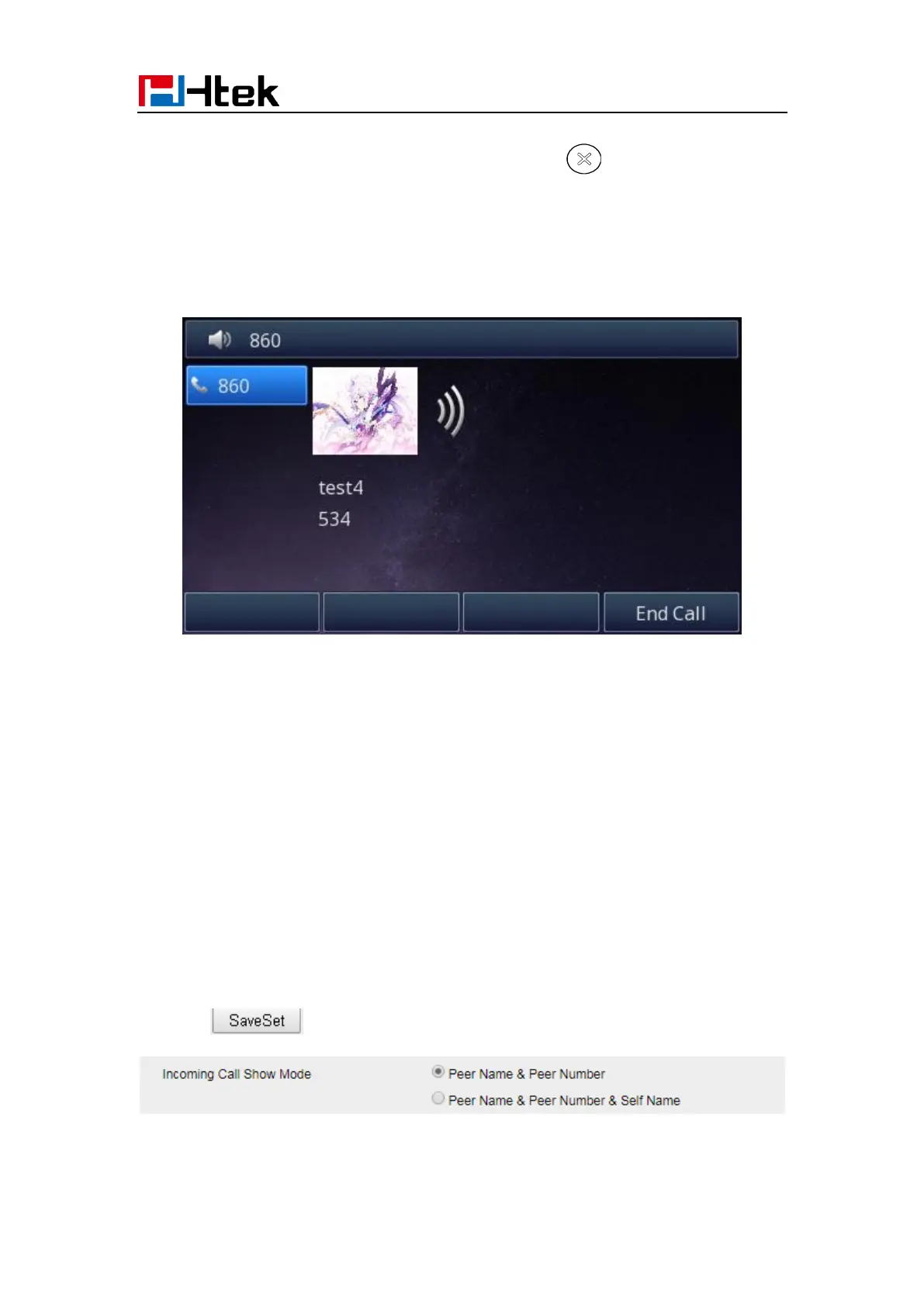
Incoming Call Show Mode
There are two incoming call show modes for this phone:
1. name and number of the contacts
2. name and number of the incoming call and the account which is connecting
To set incoming call show mode via Web interface:
1. Click setting→ preference
2. Select the desire mode for the incoming call show mode
3. Click to save the setting.



 To Next Page