Function Key Features and
Settings
118
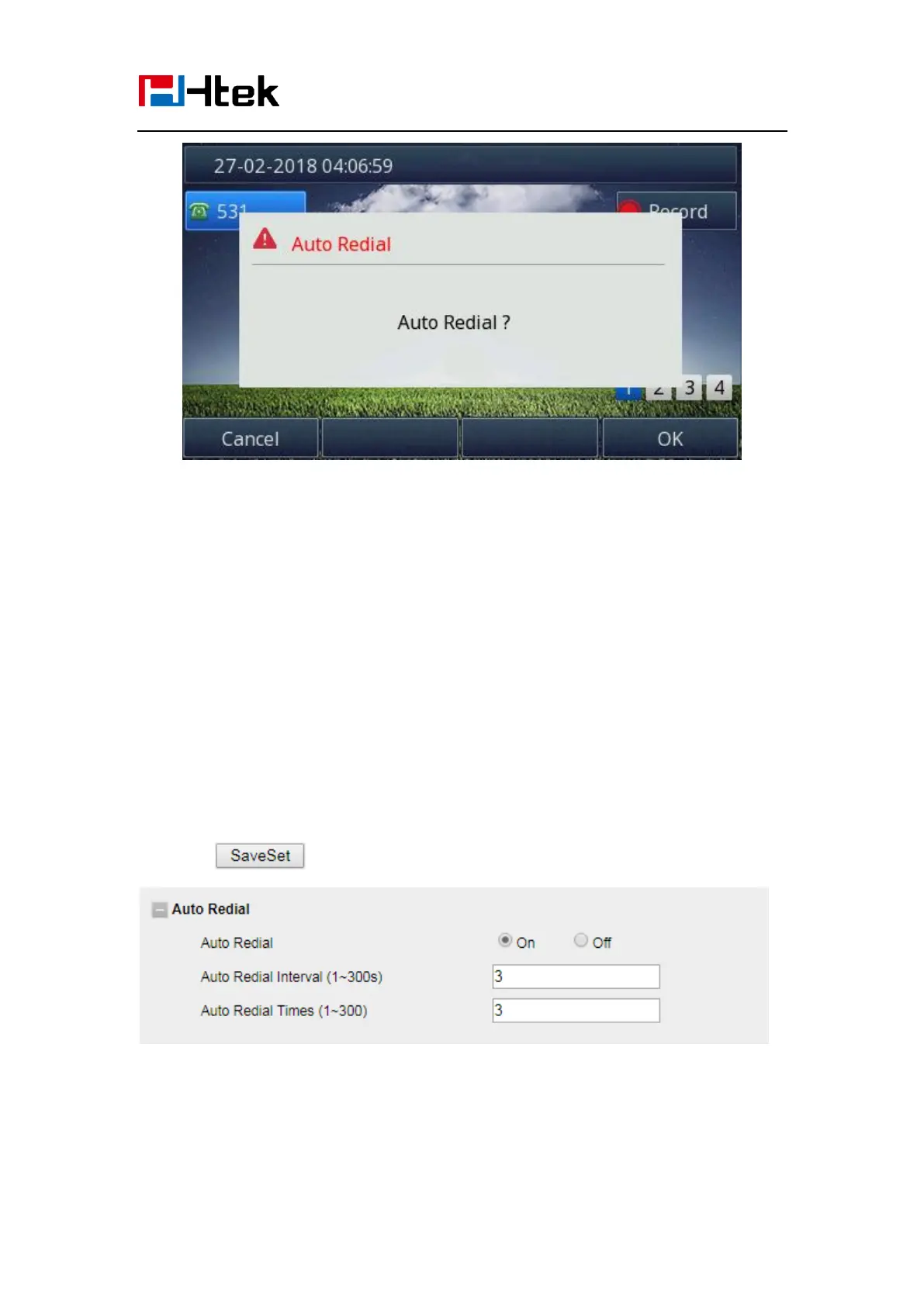
If you press OK, your LCD will prompt Auto Redial Interval and Auto Redial Times
To configure Auto Redial via Web interface
1. Click Setting →Features → Auto Redial
2. Select On or Off for Auto Redial.
3. Fill the number 1~300 seconds for the Auto Redial Interval.
4. Fill the number 1~300 times for the Auto Redial Times.
5. Click to save the configuration.
Function Key Features and Settings
The function key supports the Line Label Length, Line Page Indicator, BLF list MODE,



 To Next Page