Getting Started
18
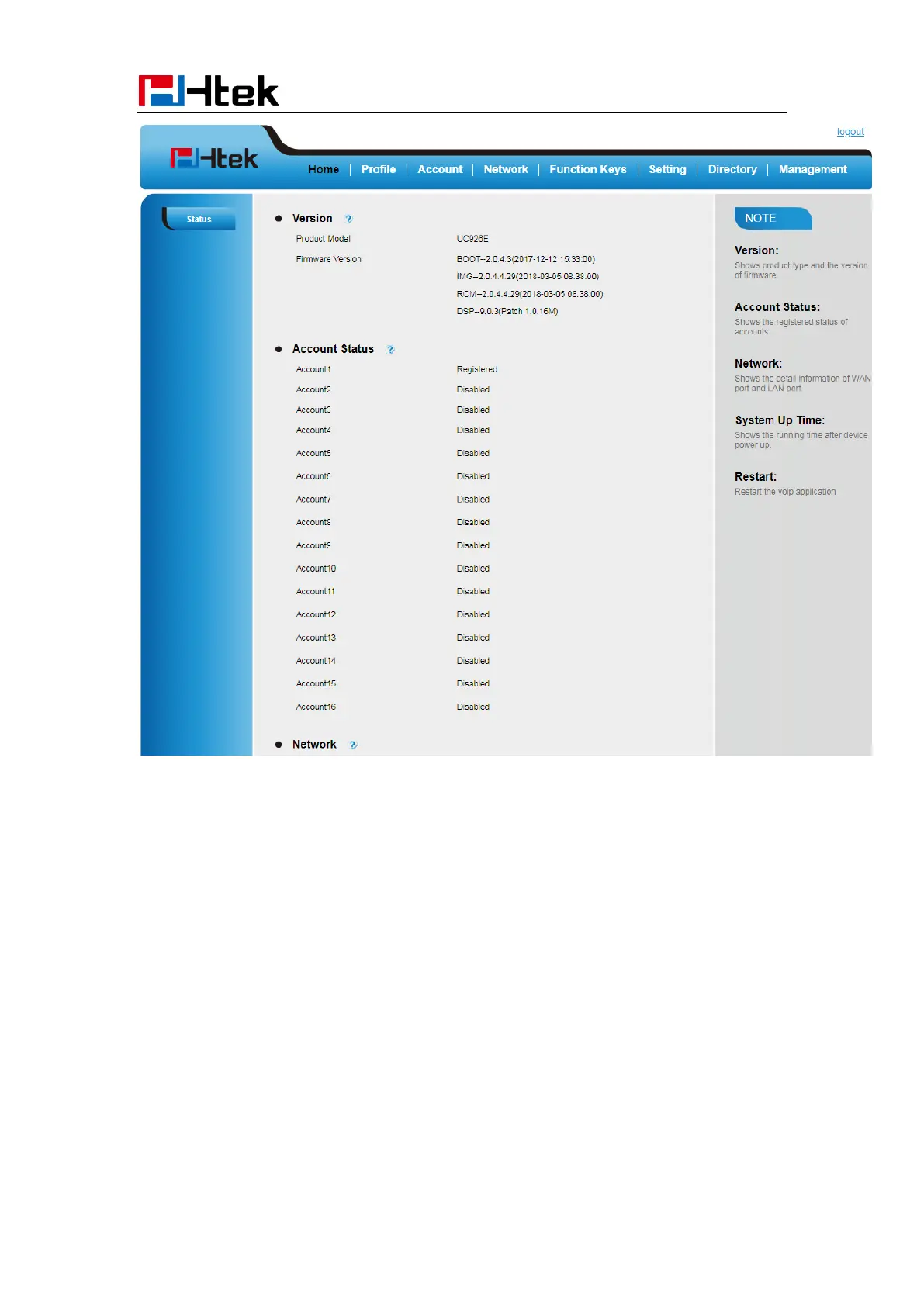
Registration
To register via Phone interface:
1. Press Menu SettingsAdvanced Setting (default password: admin)Accounts
2. Select the desired account
3. Select Enable for Account active
4. Select the desired profile of the account.
5. Fill the SIP User ID, Authenticate ID
6. Fill the Password and Name (shown on LCD).



 To Next Page