Getting Started
17
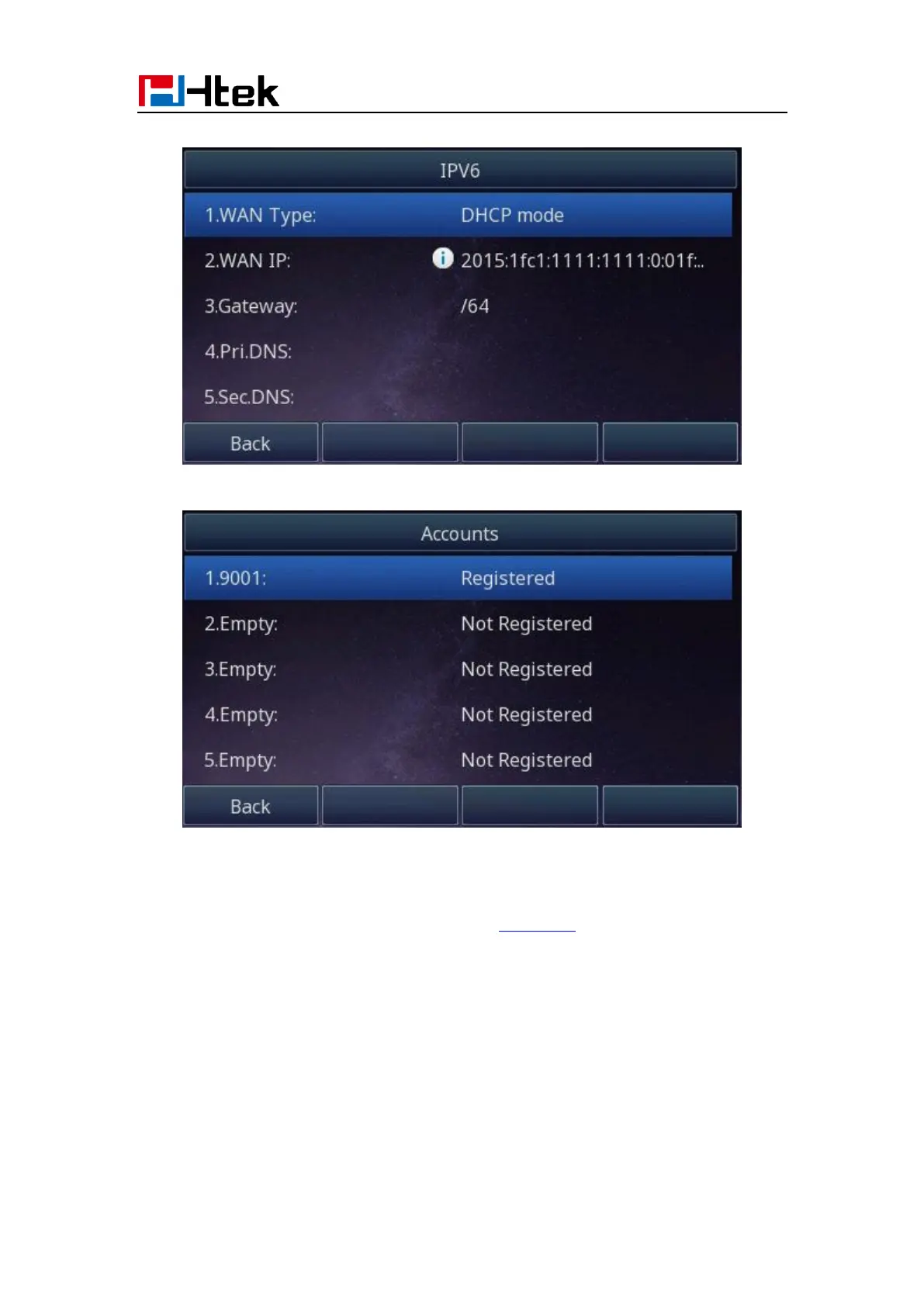
4. Press Menu →Status →Network→IPV6
5. Press Menu →Status →Account (UC926E support sixteen accounts)
To view the phone status via Web interface:
Login webpage (For How to login, please refer to Web Login)
View the information of Version, Account and Network.



 To Next Page