Basic Setting Configuration
75
Search Contact
You can search contact in all contacts, local contacts, remote contacts and LDAP contact.
To search contact in all contacts:
1. Click the Directory soft key on Idle interface.
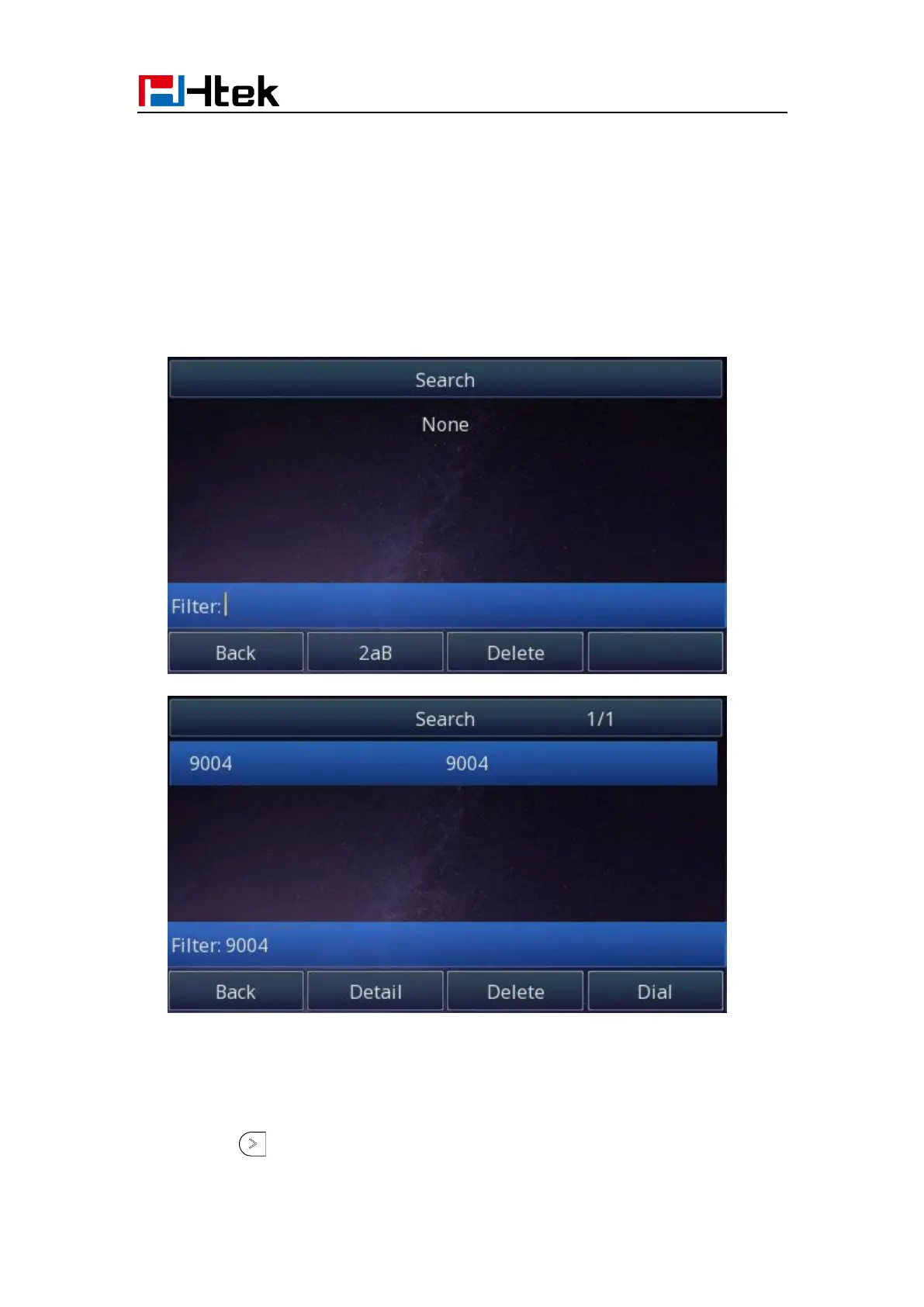
2. Click the More soft key, then you can see the Search soft key
3. Click the Search soft key, you can enter the desired part of name or part of number.
4. With the search content to match the contact will be automatically displayed on the
LCD within 5 seconds.
To search contact in Local contacts:
1. Click the Directory soft key on Idle interface.
2. Click the button and select the Local contacts list.



 To Next Page