Basic Setting Configuration
54
Note:
If the IP Phone cannot obtain the time and date from the Simple Network Time
Protocol (SNTP) server, please contact your system administrator for more
information.
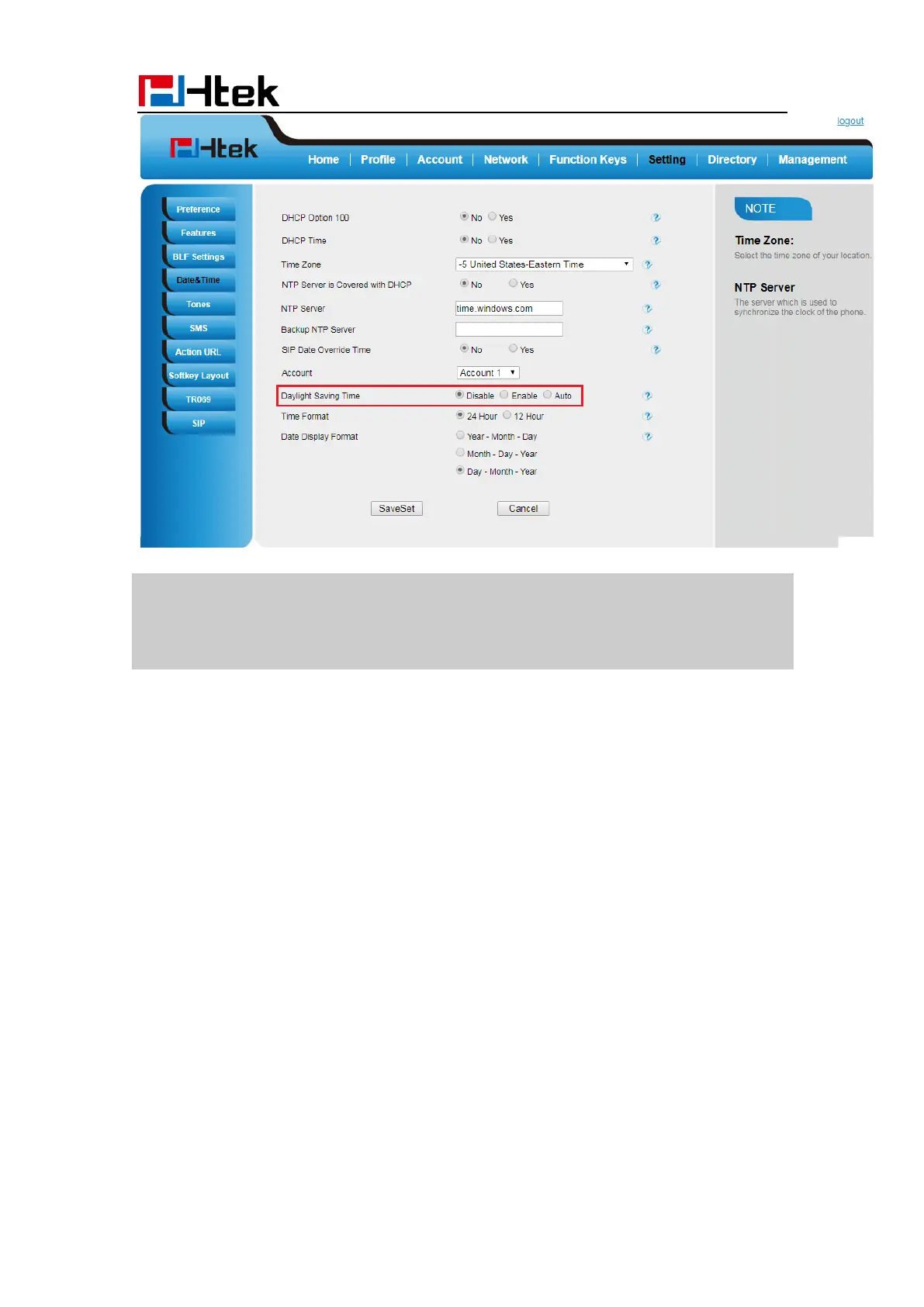
Daylight Saving Time
Daylight Saving Time (DST) is the practice of temporary advancing clocks during the
summertime so that evenings have more daylight and mornings have less. Typically,
clocks are adjusted forward one hour at the start of spring and backward in autumn. Many
countries have used the DST at various times, details vary by location. The DST can be
adjusted automatically from the time zone configuration. Typically, there is no need to
change this setting
LED Status Setting
The LED Status setting mainly defines the power indicator LED.
To configure LED Status via Web interface:
1. Click Setting→ Preference
2. Select Yes or No for Power Status, Ringing Status, Miss Calls Status and Voice
Message Status.



 To Next Page