Basic Setting Configuration
80
Audio Setting
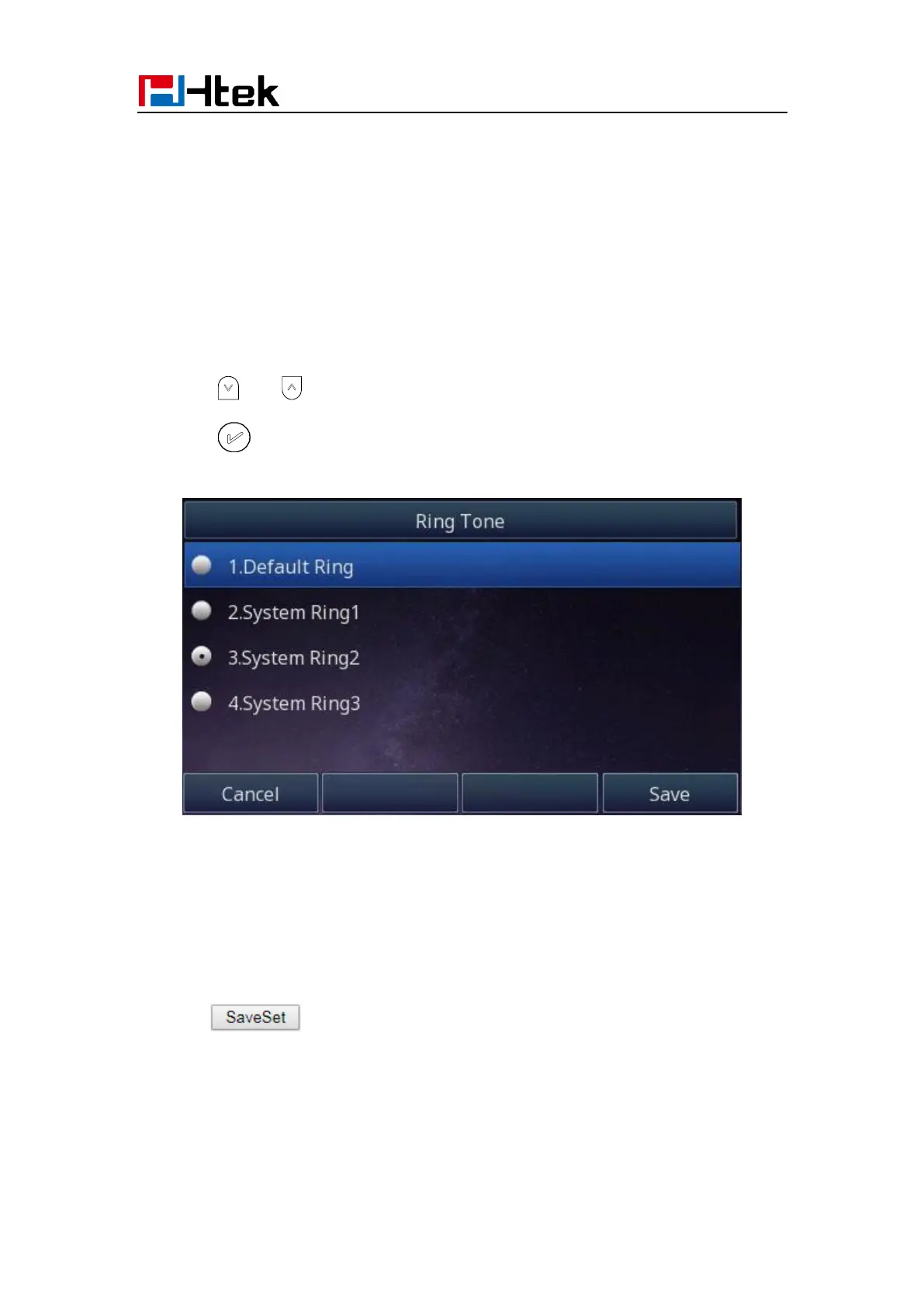
Ring Tone
You can adjust the type and volume of the ring tone.
To adjust the Ring Tone Type via Phone interface:
1. Press Menu → Settings → Basic Settings → Ring Tone.
2. Press and to select the aimed one.
3. Press or Save soft key to save the configuration.
To adjust the Ring Tone Type via Web interface
1. Setting → Preference → Ring Tone
2. Select the wanted one
3. Click to save the configuration.



 To Next Page