Getting Started
14
Initialization Process.
After your phone has been powered up, the system boots up and performs the following
steps:
Automatic Phone Initialization
The phone finishes the initialization process by loading the saved configuration. The
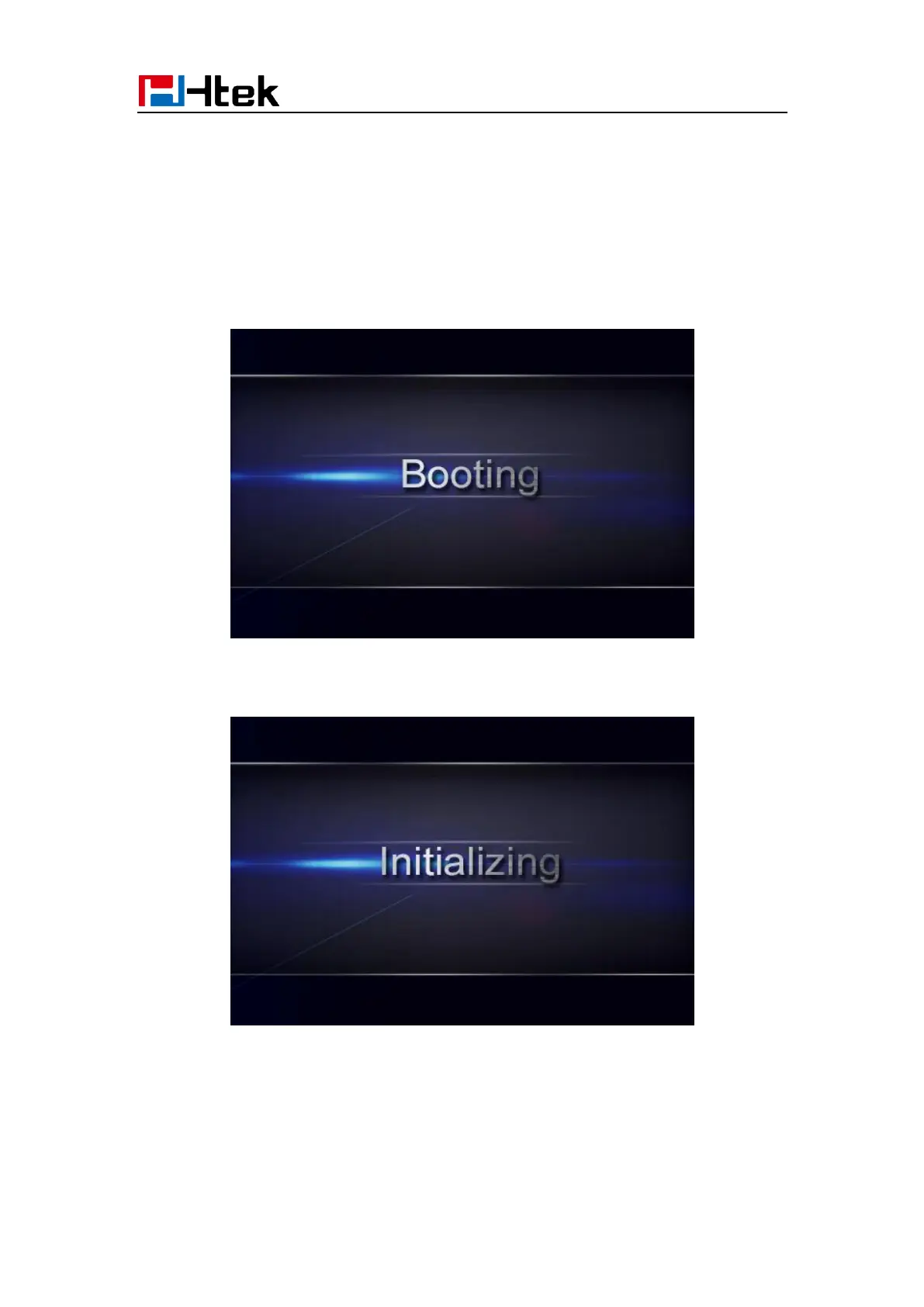
phone LCD screen will display “Booting”
And then show “Initializing “during the initialization.
The IP Phone will upgrade the firmware if there is a new firmware on your server. And the
IP Phone will show “Check firmware, please wait…” after initialization.



 To Next Page