Upgrade
174
Upgrade
Factory Reset
To set Factory Reset via Phone interface
1. Press Menu → Settings → Advanced Setting (default password: admin) → Phone
Setting → Factory Reset
1. Press OK soft key in the warning page.
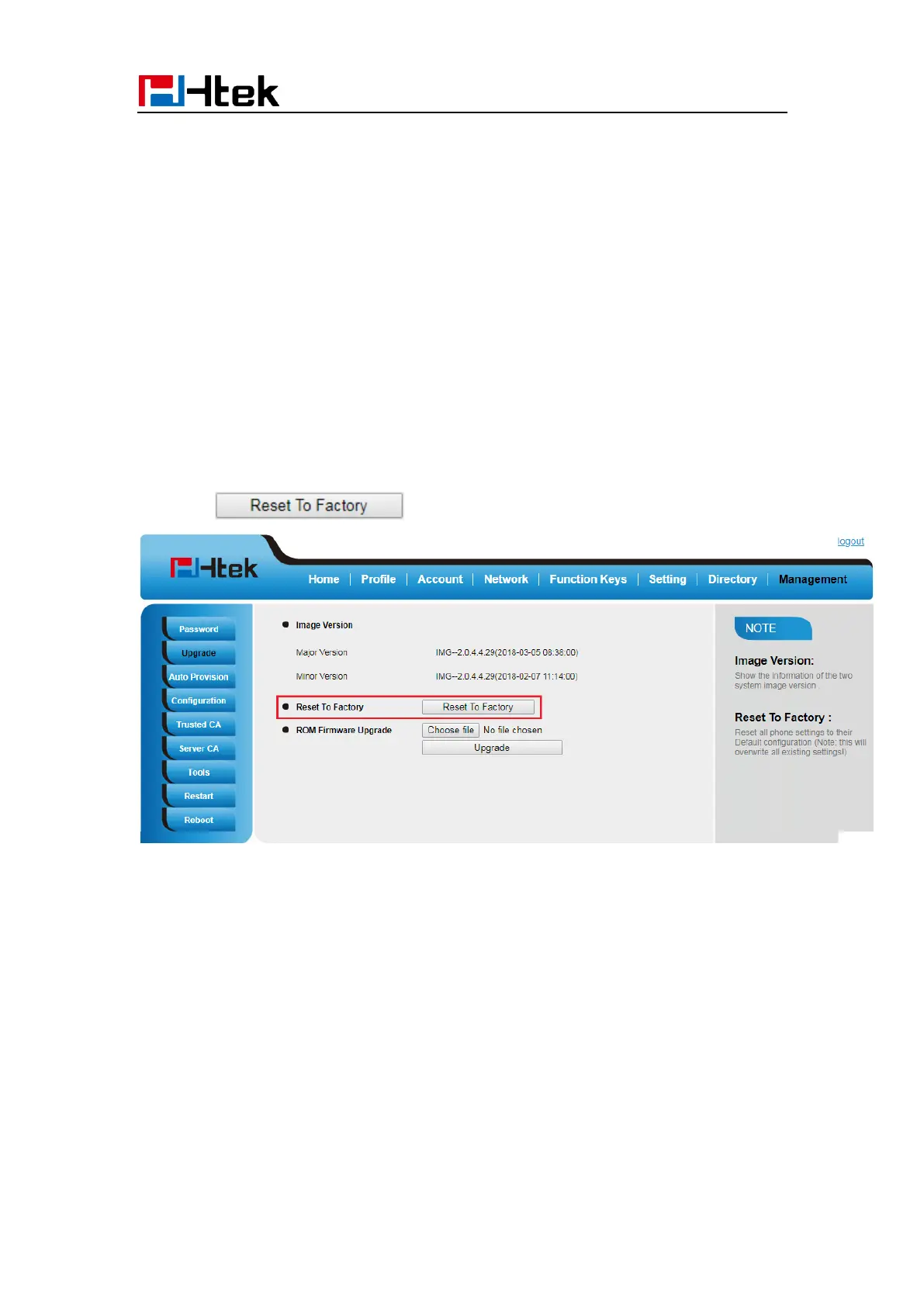
To set Factory Reset via Web interface
1. Click Management → Upgrade
2. Click and then confirm the setting.
Pcap Feature
To use pcap via Web interface:
1. Click Management→ Tools
2. Click Start and then operation the phone
3. When finish the operation, click Stop and then click Export.
4. Then you’ll get the Pacp captures.



 To Next Page