Basic Setting Configuration
84
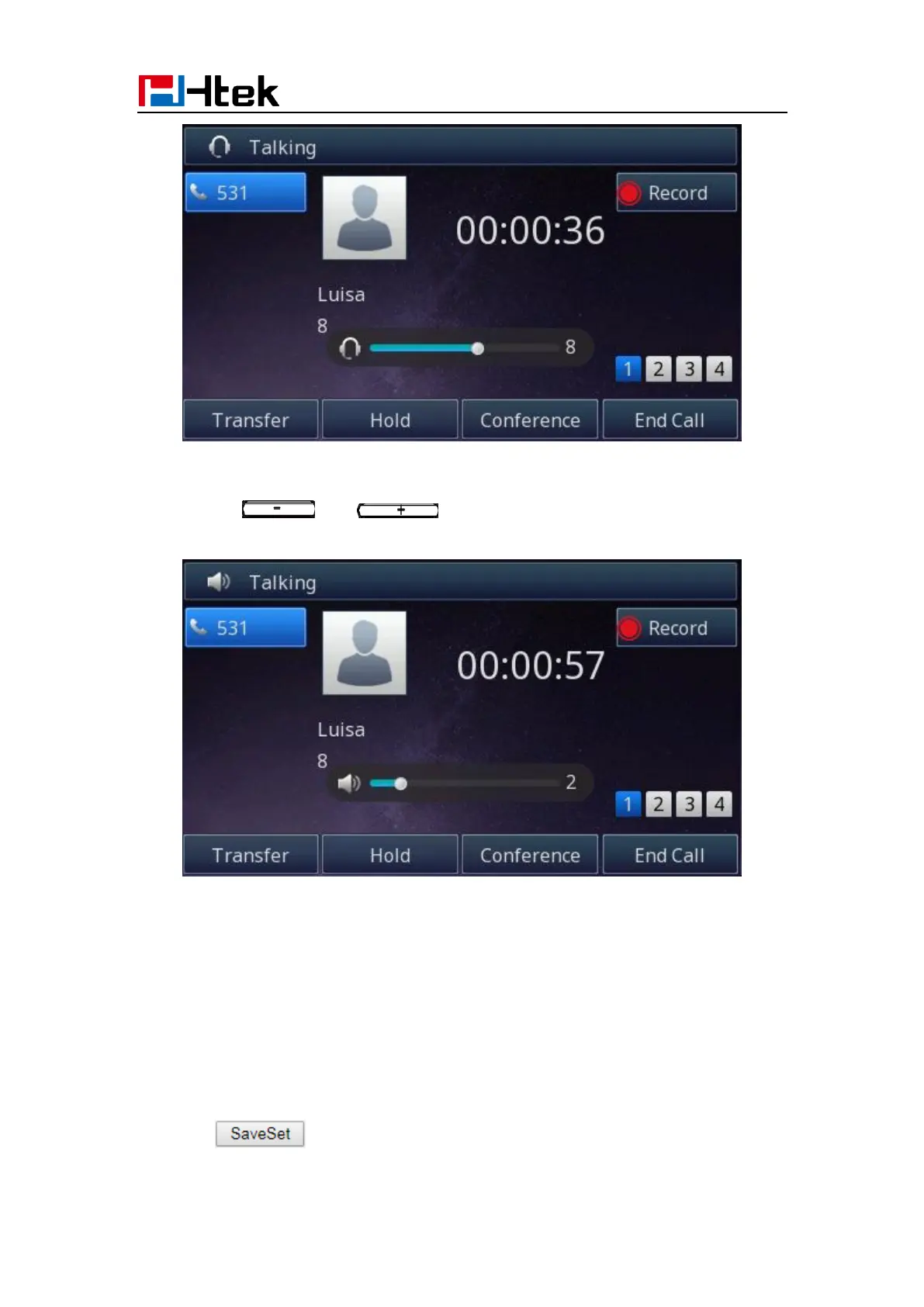
To adjust the speaker Volume via Phone interface:
To press and during a call in speaker mode.
Voice Mail Tone
This option can set whether to play the beep for phone's voice mail
1. Click the Setting → Preference
2. Select On or Off for Voice Mail Tone.
3. Click for the setting.



 To Next Page