Basic Setting Configuration
55
3. Click for the setting.
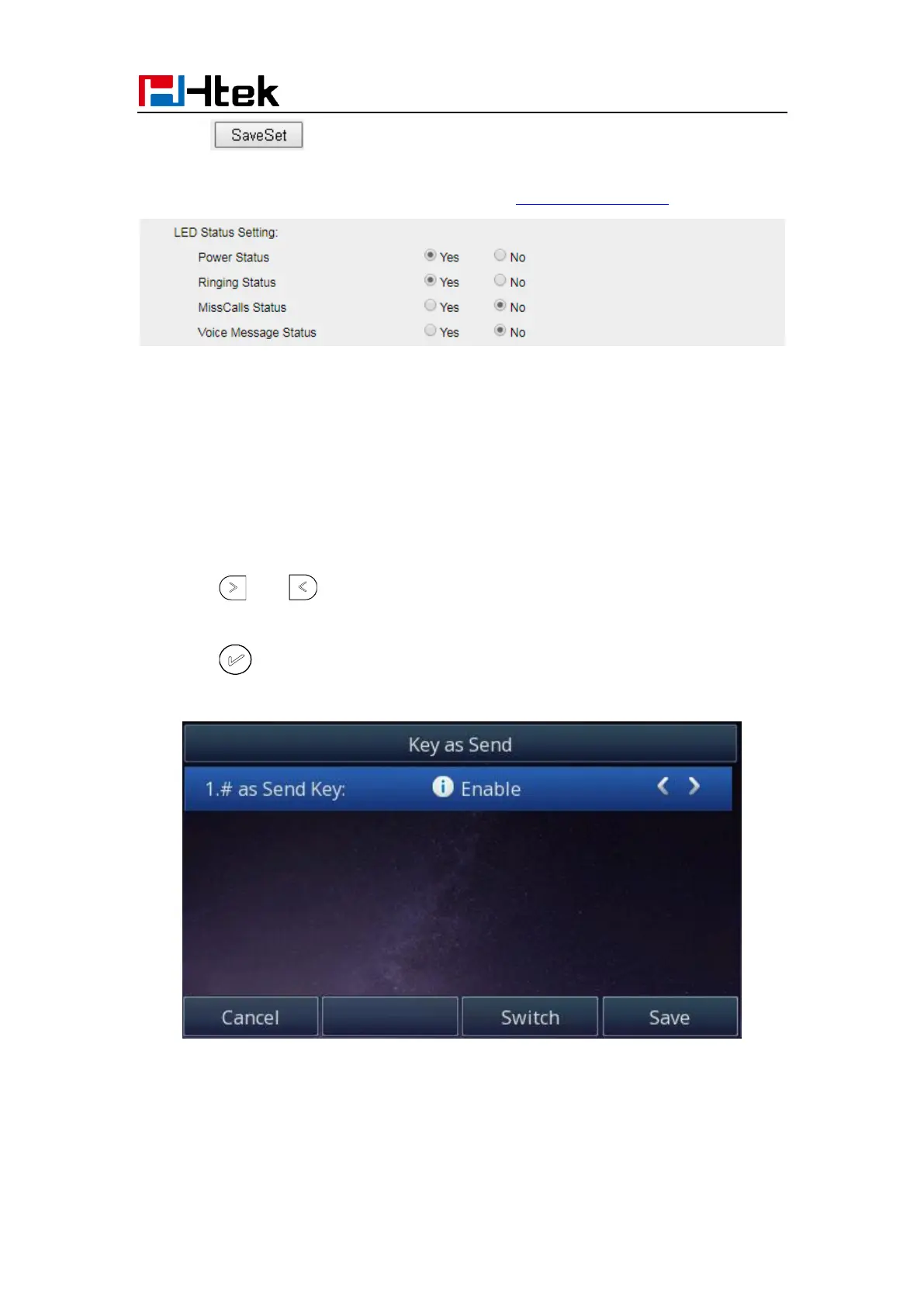
For the LED status description, see: LED Instruction Power Indicator LED
Key as Send
To configure Key as Send via Phone interface:
1. Press Menu →Features → Key as Send
2. Press and key to select the enable choice.
3. Press or Save soft key to save the configuration
To cancel # Key as Send via Phone interface:
1. Press Menu →Features → Key as Send



 To Next Page