Basic Call Features
96
Exp Key
It only works when there is expansion module connected with the phone.
For Exp Key configuration, please refer to: UC46 User manual.
Basic Call Features
Place a Call
There are three ways to dialing a call: Handset, Headset and Hands-free loud speaker.
To place a call by Handset
1. Pick up the handset, or press a line key and dial the necessary number.
2. Press or or press the send soft key, then the call is sending.
To place a call by Headset:
1. Press the ( light is Green),
2. Enter the desired number.
3. Press or , or press the Send soft key, then the call is sending.
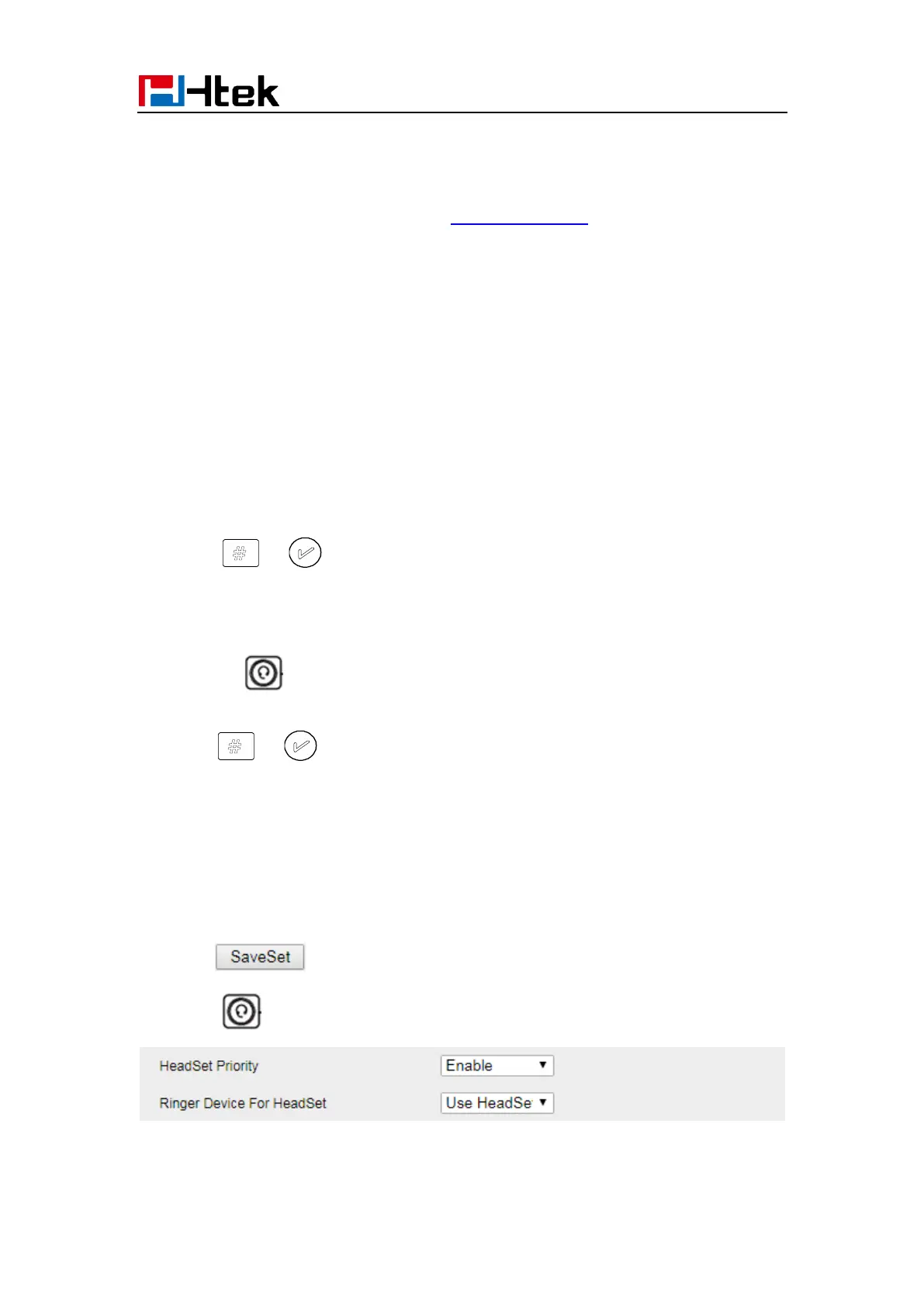
Using headset to place and answer calls for all time
1. Click webpage Setting → Preference
2. HeadSet Priority → Enable
3. Ring Device for HeadSet → User Headset
4. Click to save the setting.
5. Press
Placing a call by hands-free speakerphone



 To Next Page