Basic Call Features
116
To mute the call during a call (including a conference call)
1. Press the mute key , then the mute key glows green, and the LCD display
2. To disable the mute function, press again.
DND
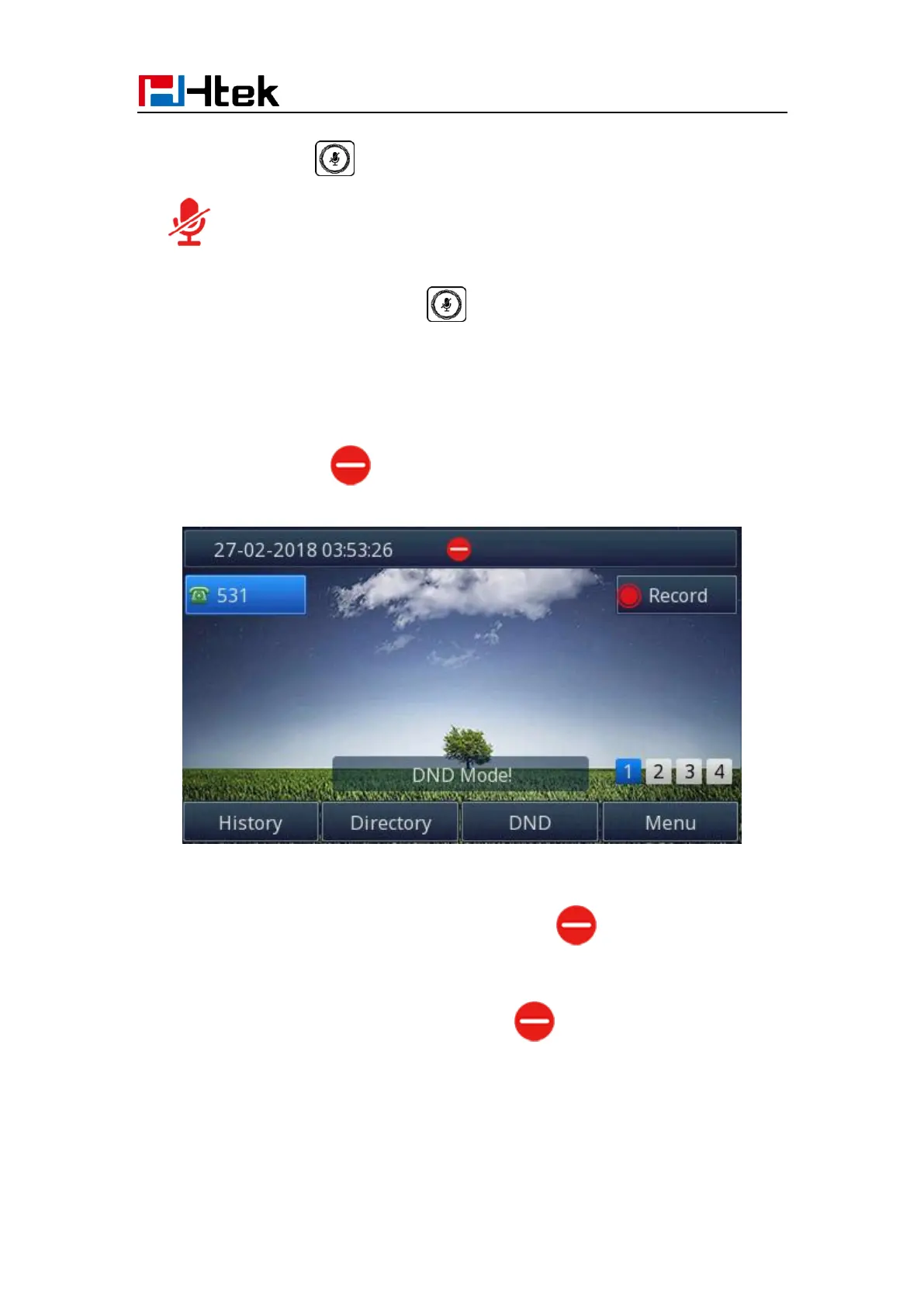
When you use the DND feature, the phone is to reject all incoming calls automatically and
you can see the mute icon shown on the Top of the LCD on idle page.
To enable DND feature via Phone interface:
Press the DND soft key when the phone is idle, and then shown on the LCD.
To disable DND feature via Phone interface:
Press the DND soft key again, and then there is no on the LCD.
Hot Line
To configure Hot Line via Phone interface



 To Next Page