Basic Setting Configuration
56
2. Press and key to select the disable choice.
3. Press or Save soft key to save the configuration
Network Setting
Htek IP Phone supports IPv4, IPv6, IPv4&IPv6.They have three mode of Network: DHCP,
Static, and PPPoE. The default mode is DHCP, it will obtain IP address and other
information automatically.
If your phone cannot contact a DHCP server for any reason, you need to configure a static
IP address manually.
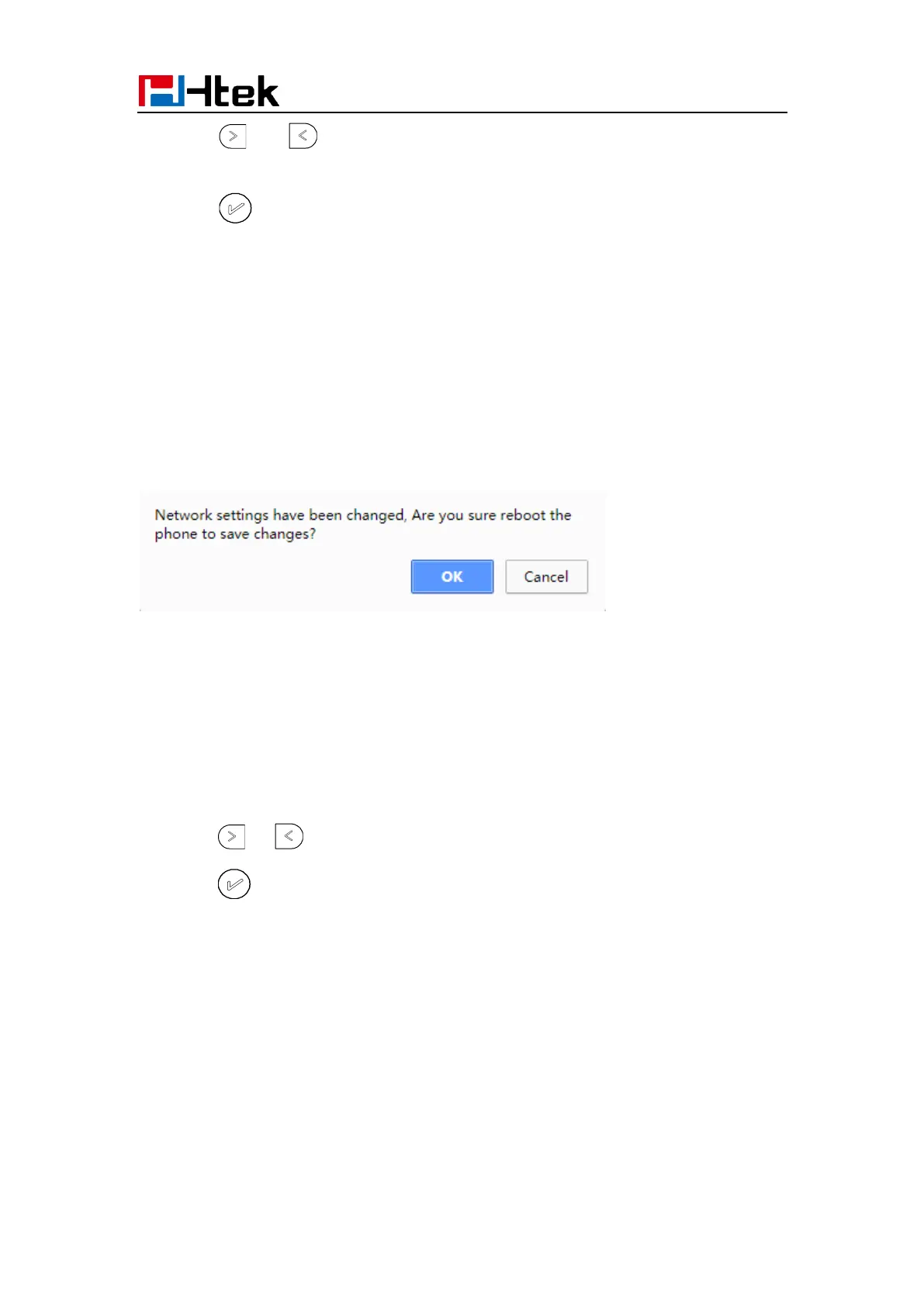
When switch DHCP, Static IP and PPPoE to each other, or change the Static IP on
webpage, it will show the warning of restart as following.
IPv4
If you set IP Mode to IPv4,IP phone will use IPv4 address. IPv4 has three network modes:
DHCP, Static, and PPPoE
To configure IPv4 via Phone interface:
1. Press Menu→ Settings→ Advanced Setting (password: admin) → Network→ WAN
Port → IP Port Mode.
2. Press or to change the IP Port Mode..
3. Press or Save soft key to save the configuration.



 To Next Page