Upgrade
178
Configuration File
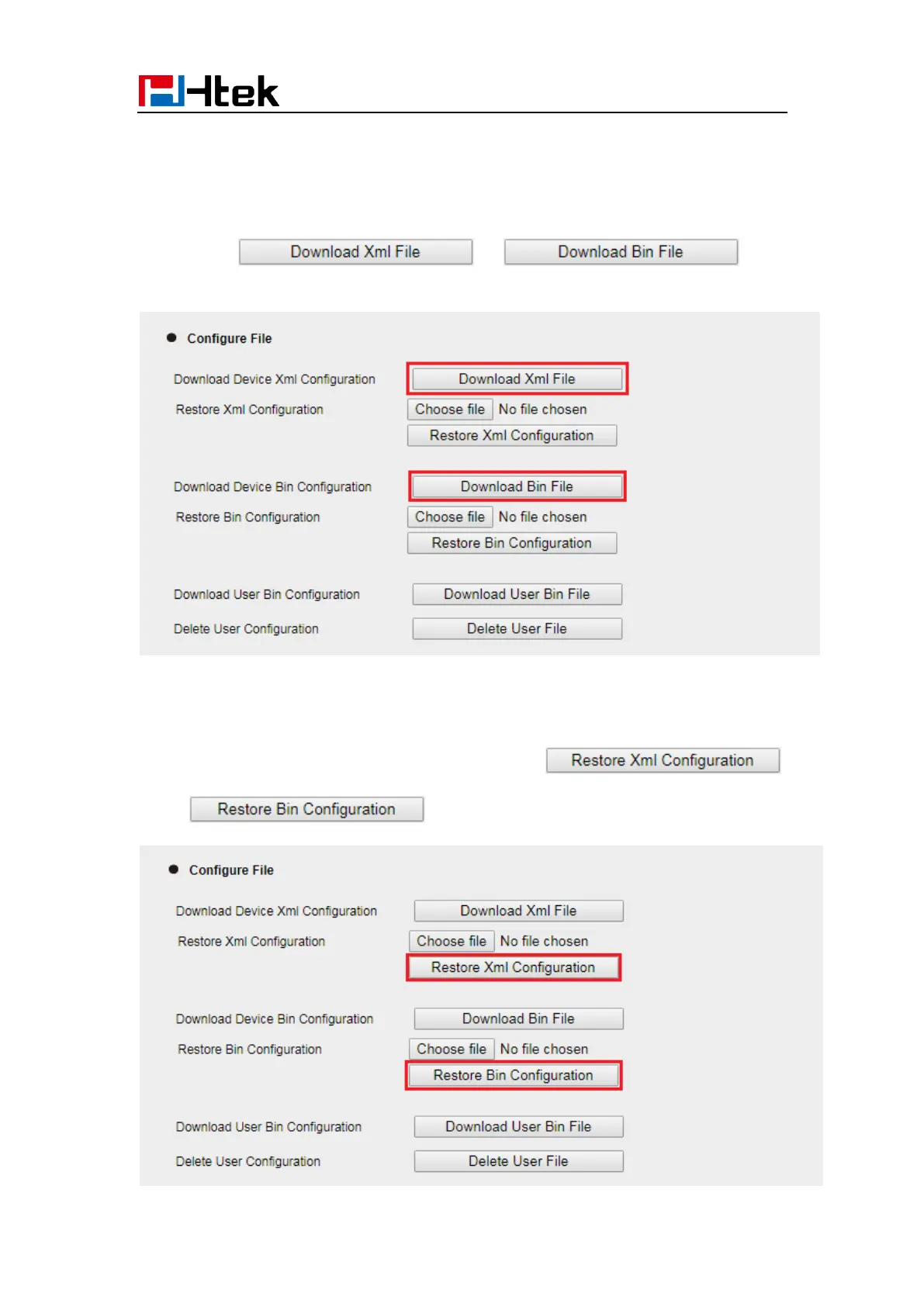
To download configuration file:
1. Click Management → Configuration →Configure File
2. Click the or , then
you can get a file: cfg.bin or cfg.xml
To Restore a configuration file:
1. Click Management → Configuration →Configure File
2. Select the xxx.bin or xxx.xml file, and then Click the
or , then IP Phone will reboot.



 To Next Page