Upgrade
175
System Log
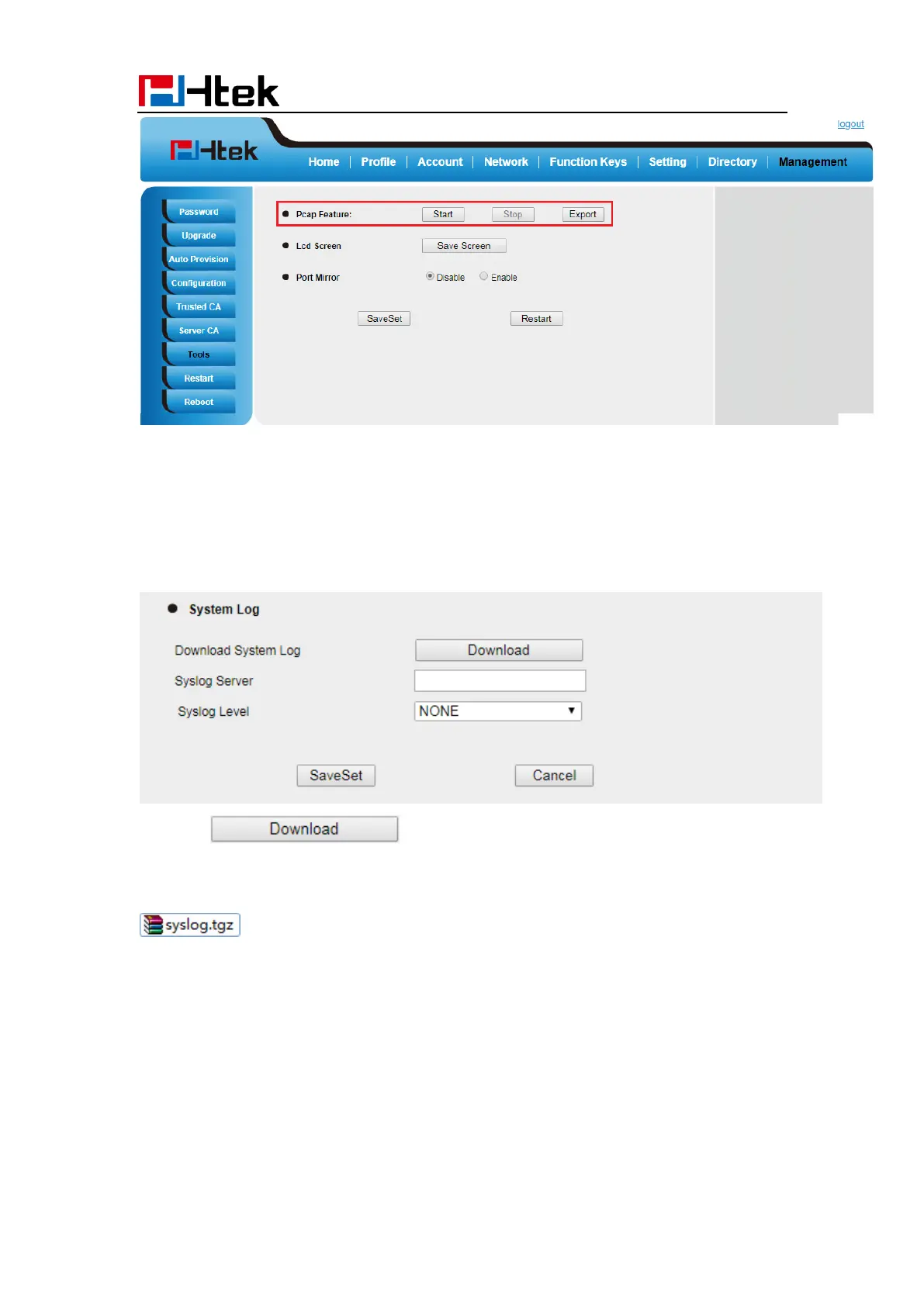
To download system log via Web interface:
1. Click Management→ Configuration
2. Click of the system Log
3. Then you’ll get a tgz file: syslog.tgz.
.
Upgrade
To upgrade via HTTP, the “Management”-> “auto provision” -> “Firmware Upgrade”->
“Upgrade Mode” field needs to be set to HTTP, respectively. “Firmware Server Path”
needs to be set to a valid URL of a HTTP server, server name can be in either FQDN or IP
address format. Here are examples of some valid URL.
e.g. firmware.mycompany.com:5688/Htek



 To Next Page