Basic Setting Configuration
40
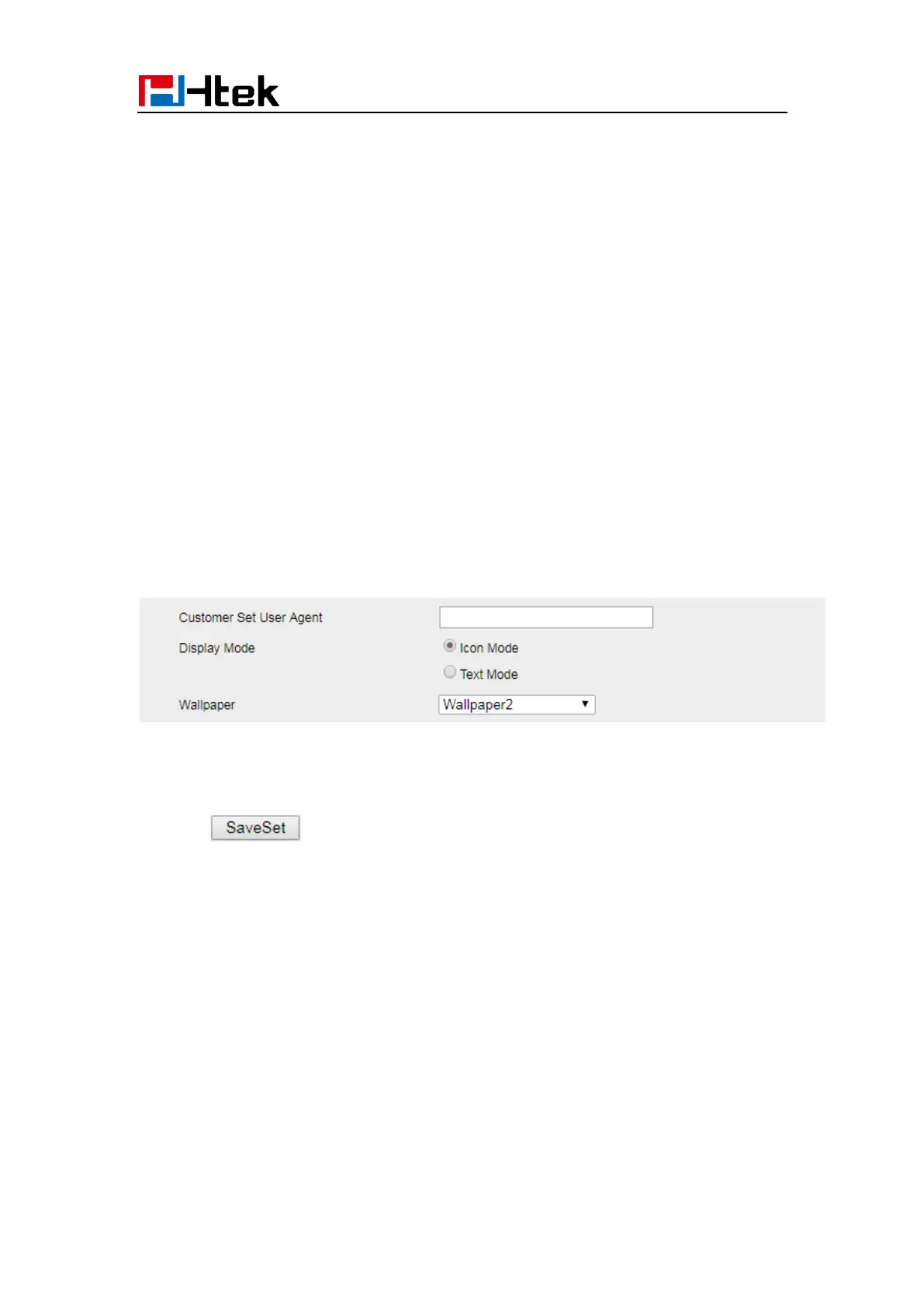
Display Mode
This phone support two Display mode: Text and Icon.
Icon Mode: all Items are shown same as the main with Icon.
Text Mode: Only the 8 main items will be shown as icon, and others all text description.
To Configure Display mode via Phone interface:
1. Press Menu→ Display→ Display Mode
2. Select Text or Icon
3. Press Save soft key to save the configuration.
To Configure Display mode via Web interface:
1. Login web interface, and click Setting→ Preference
2. Select Icon Mode or Text Mode for the Display mode
3. Click to save the configuration.
Language
The default Phone interface language is English.
To change the language via Phone interface
1. Press Menu → Settings → Basic Settings → Language.



 To Next Page