Basic Setting Configuration
39
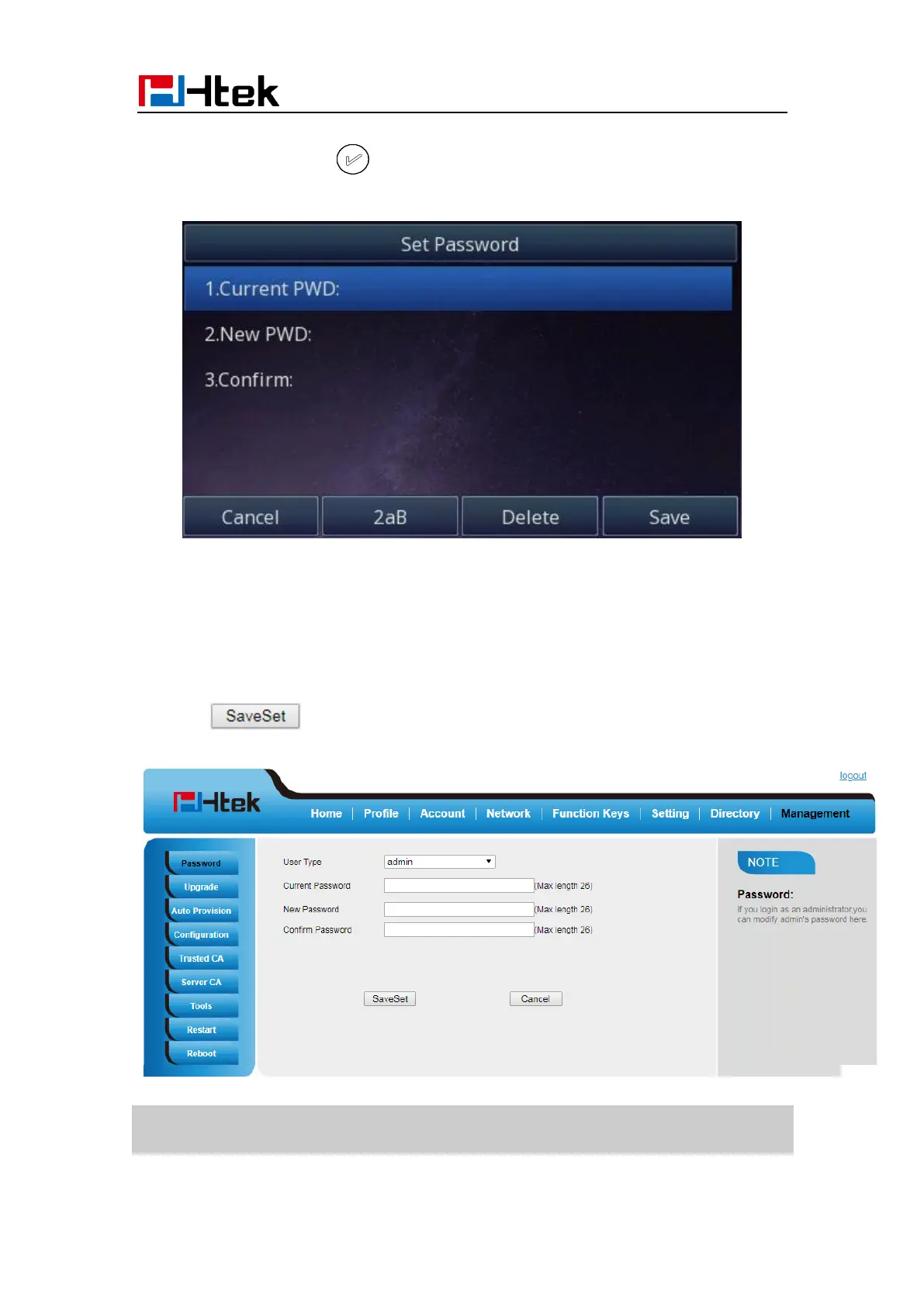
2. Enter the current PWD (password), new password and confirm the new password.
3. Press save soft key or to save the new password.
To change to password via Web interface
1. Management → Password
2. Fill the value
3. Click to save the configuration.
Note:
When you use the web interface: user name: admin password: admin(default)



 To Next Page