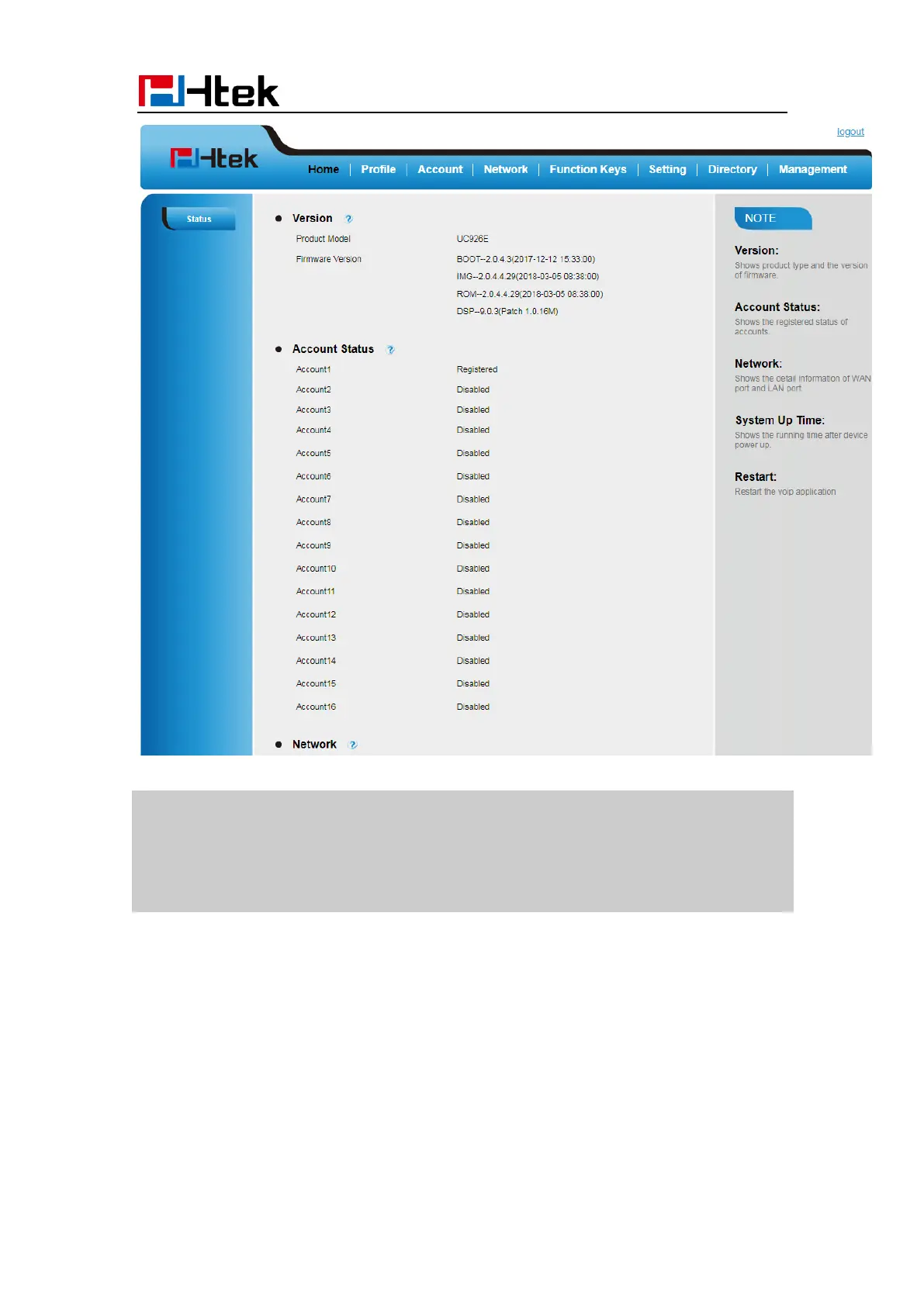
Basic Setting Configuration
38
Note:
The PC and phone should be in the same segment.
When registering the accounts in web and the server port is not “5060”, the“SIP
Server” should be set as “SIP Server’s IP address: server port.”, for example,
“192.168.0.122: 5090”.
Administrator Password
The password is mainly used for login the web interface or set the advanced settings
through phone interface. And the default password of the administrator is: admin
To change to password via Phone interface
1. Press Menu → Settings → Advanced settings → password (default admin) →Phone
Setting → Set Password



 To Next Page