Basic Setting Configuration
37
Basic Setting Configuration
This part will mainly introduce the basic configuration as the Time, Language, and
Volume…
General Settings
Web Login
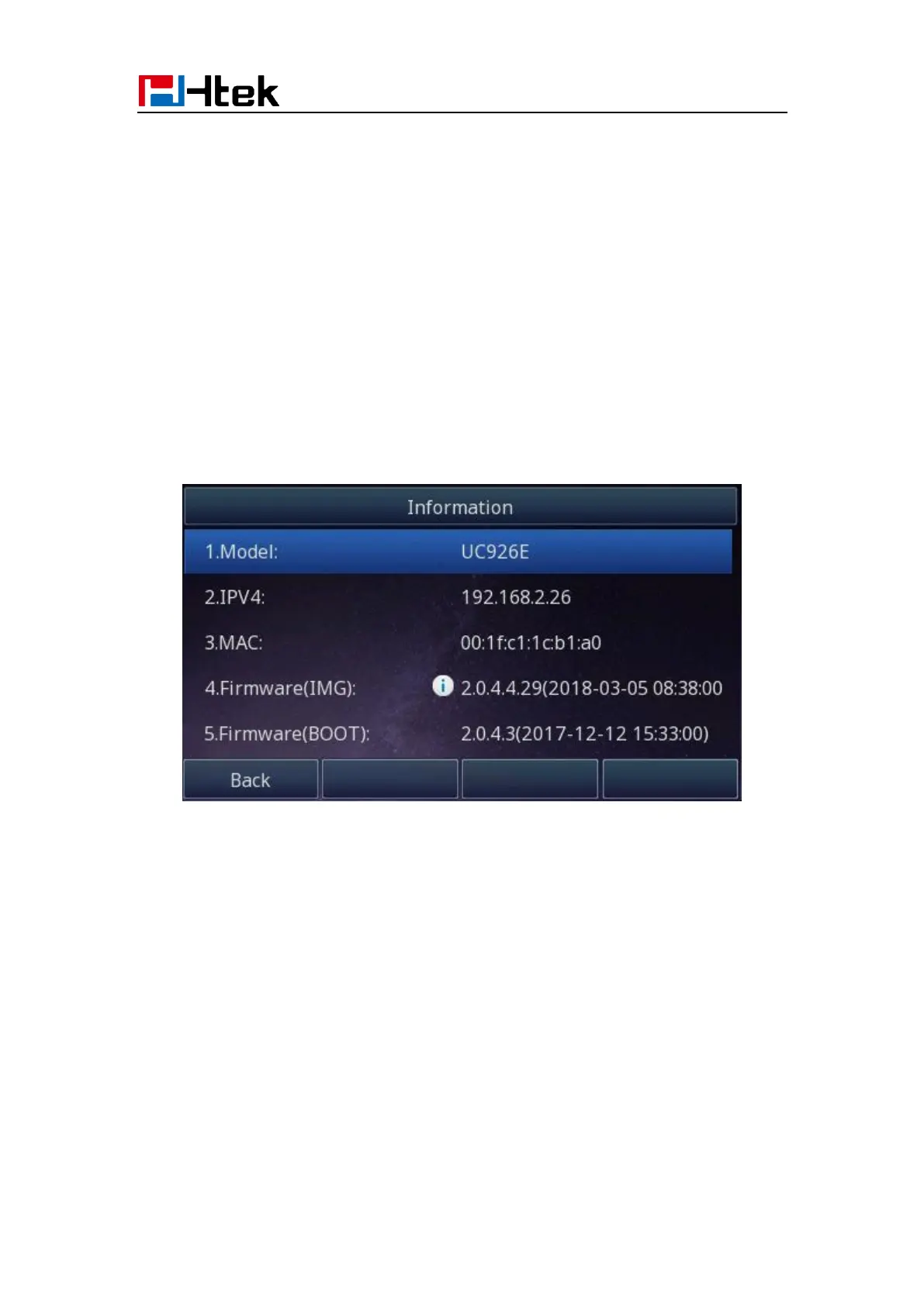
1. Get the IP address: Press Menu →Status →Information.
2. Input the IP Address in the web browser.
3. Input the user name (default is admin), password (default is admin).
4. Login successfully.



 To Next Page