Basic Setting Configuration
92
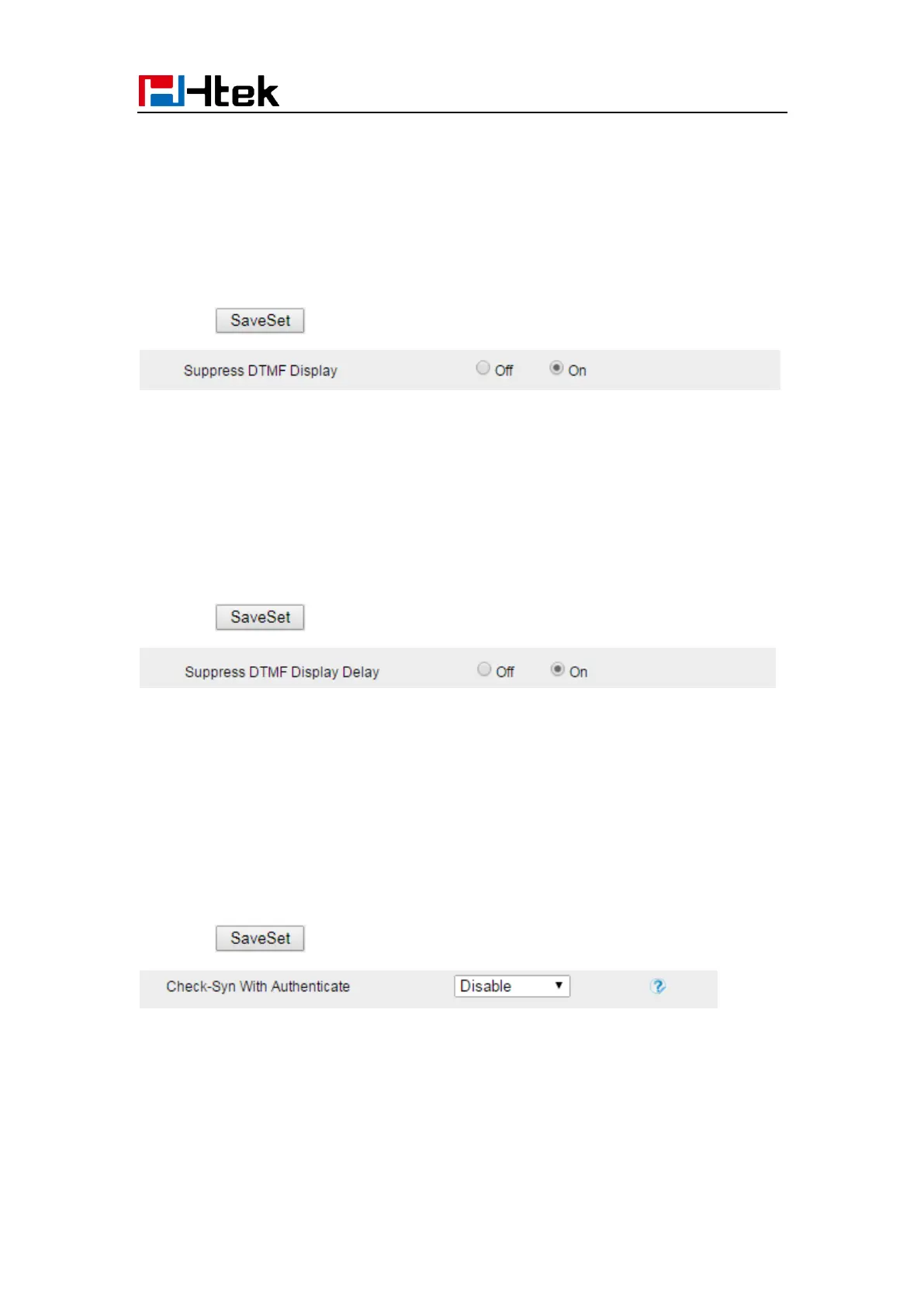
Suppress DTMF Display
In order to ensure safety in Call process, you can choose whether to hide DTMF
1. Click the Setting → Preference
2. Select On or Off for Suppress DTMF Display.
3. Click for the setting.
Suppress DTMF Display Delay
In order to ensure safety in Call process, you can choose whether to hide DTMF
1. Click the Setting → Preference
2. Select On or Off for Suppress DTMF Display Delay.
3. Click for the setting.
Check-Syn With Authenticate
If this option is enabled, the server needs to be authenticated before the phone agrees to
synchronize.
1. Click the Setting Preference
2. Set Enable or Disable for Check-Syn With Authenticate.
3. Click for the setting.



 To Next Page