Basic Setting Configuration
90
3. Click for the setting.
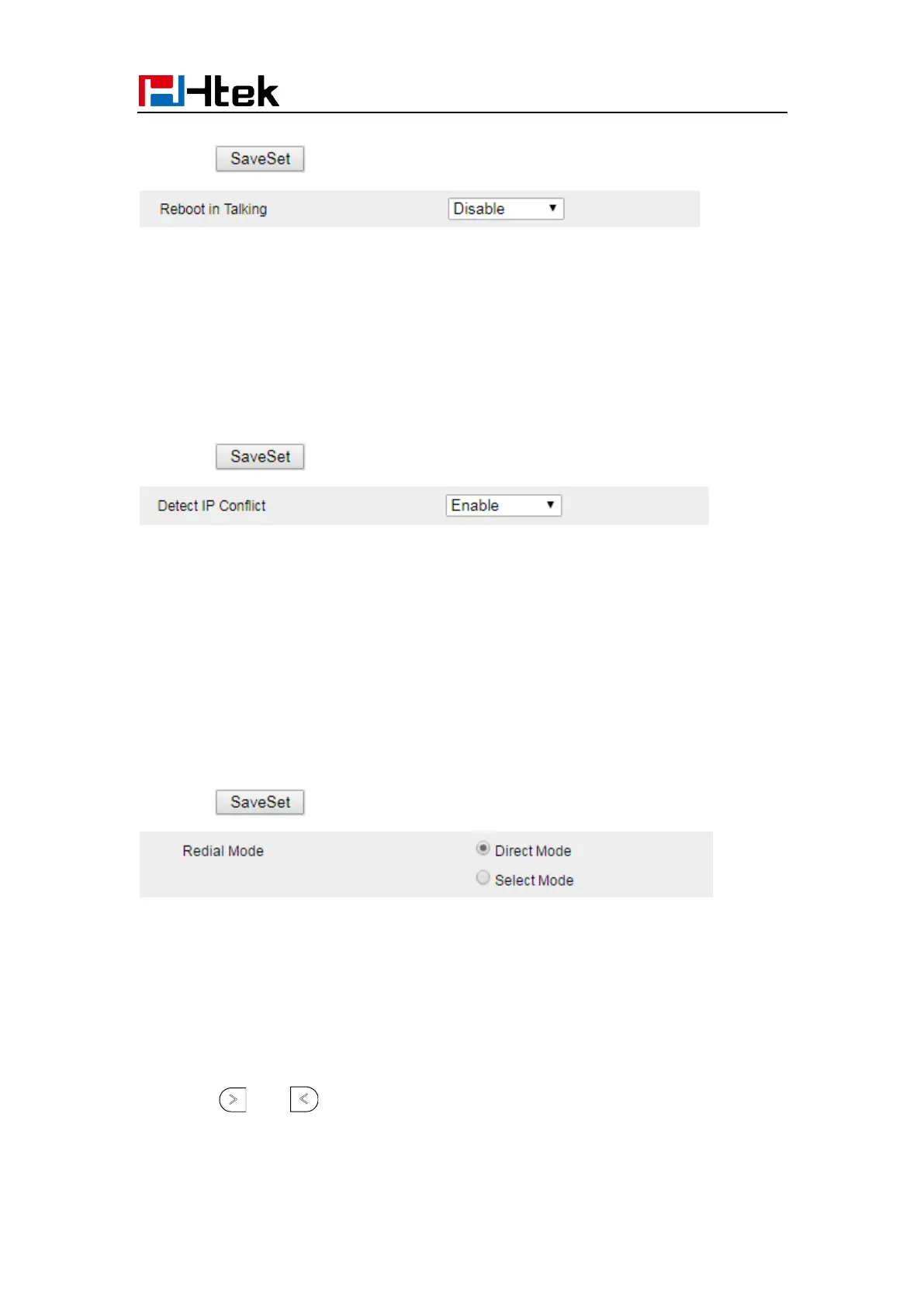
Detect IP Conflict
LCD can display message when IP conflict
1. Click the Setting Preference
2. Set Enable or Disable for Detect IP Conflict.
3. Click for the setting.
Redial Mode
Call redial has two ways:(1) To redial the last placed call from the IP Phone (2) To redial
the call from all calls list
1. Click the Setting Preference
2. Set Direct Mode or Select Mode for Redial Mode.
3. Click for the setting.
Keypad Lock
To enable Keypad Lock via Phone interface
1. Press Menu--Settings--Advanced Setting--Phone Setting--Lock
2. Press and key or Switch to change selected lock type: All Keys, Menu Key,
Function Key, Lock & Answer



 To Next Page