Basic Setting Configuration
79
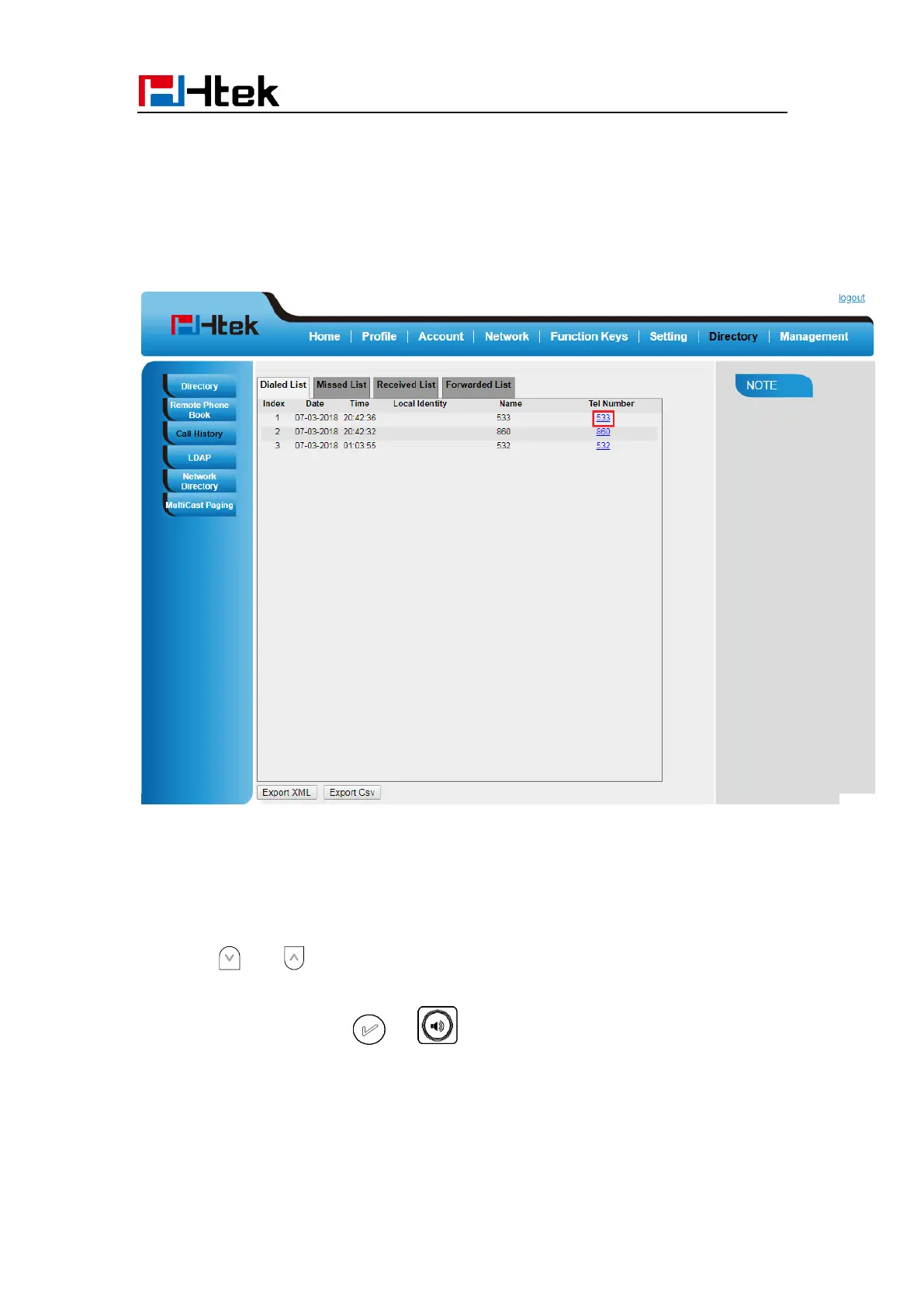
To Dial a call from Call History via Web interface:
1. Click Directory→ Call History
2. Select the desired history item, and click Tel Number.
3. Then the call is dialed on phone.
To Dial a call from Call History via Phone interface:
1. Press History soft key or press Menu → History → Local History
2. Press and to select the targeted one.
3. Press the Send soft key, , or , or the corresponding line key.



 To Next Page