Basic Setting Configuration
53
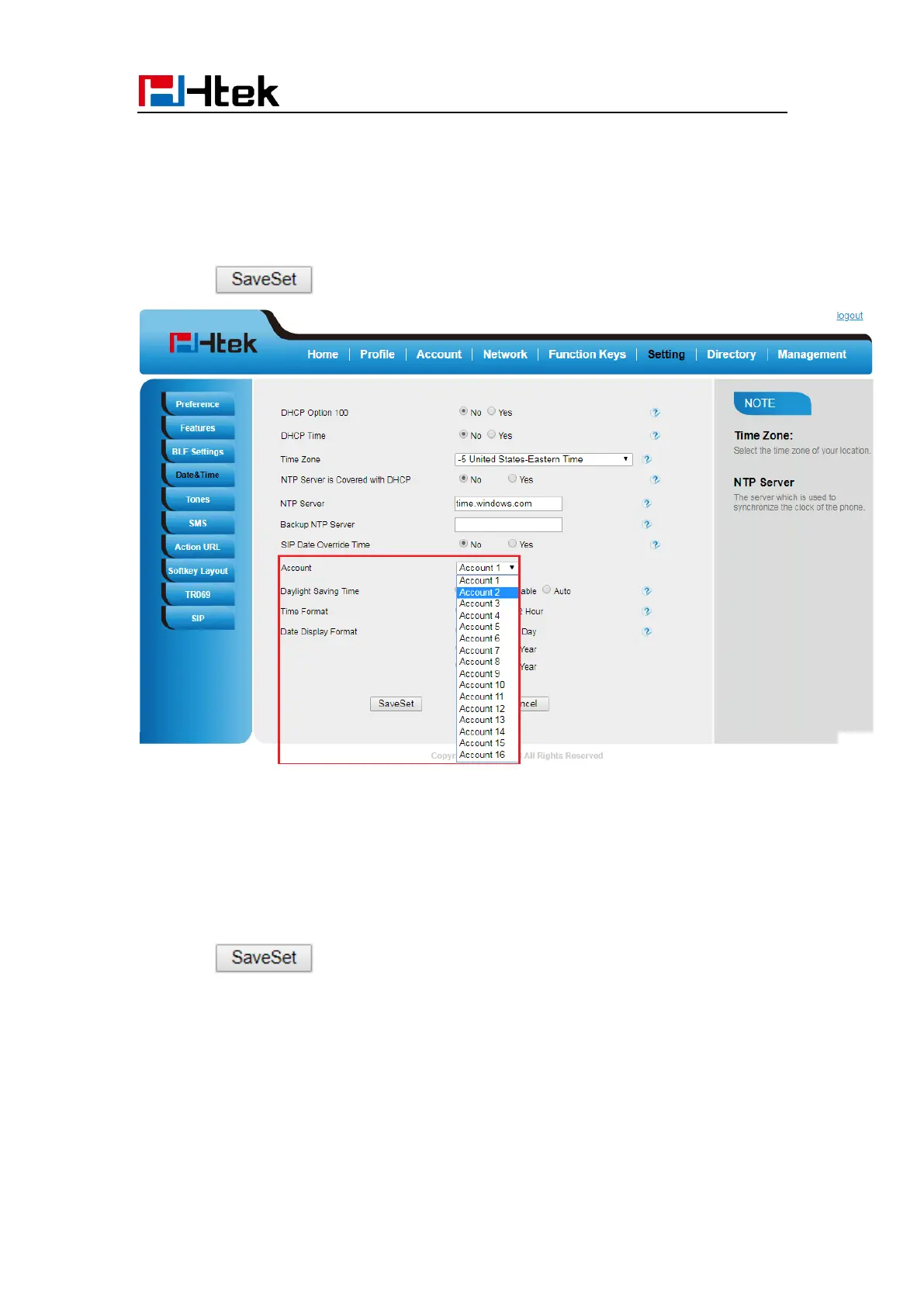
To change the Account via Web interface
1. Setting → Date &Time → Account.
2. Select desired Account.
3. Click to save the configuration.
To change the Daylight Saving Time via Web interface
1. Setting → Date &Time→ Daylight Saving Time
2. Select Disable or Enable or Auto for Daylight Saving Time.
3. Click to save the configuration.



 To Next Page