BT Feature
162
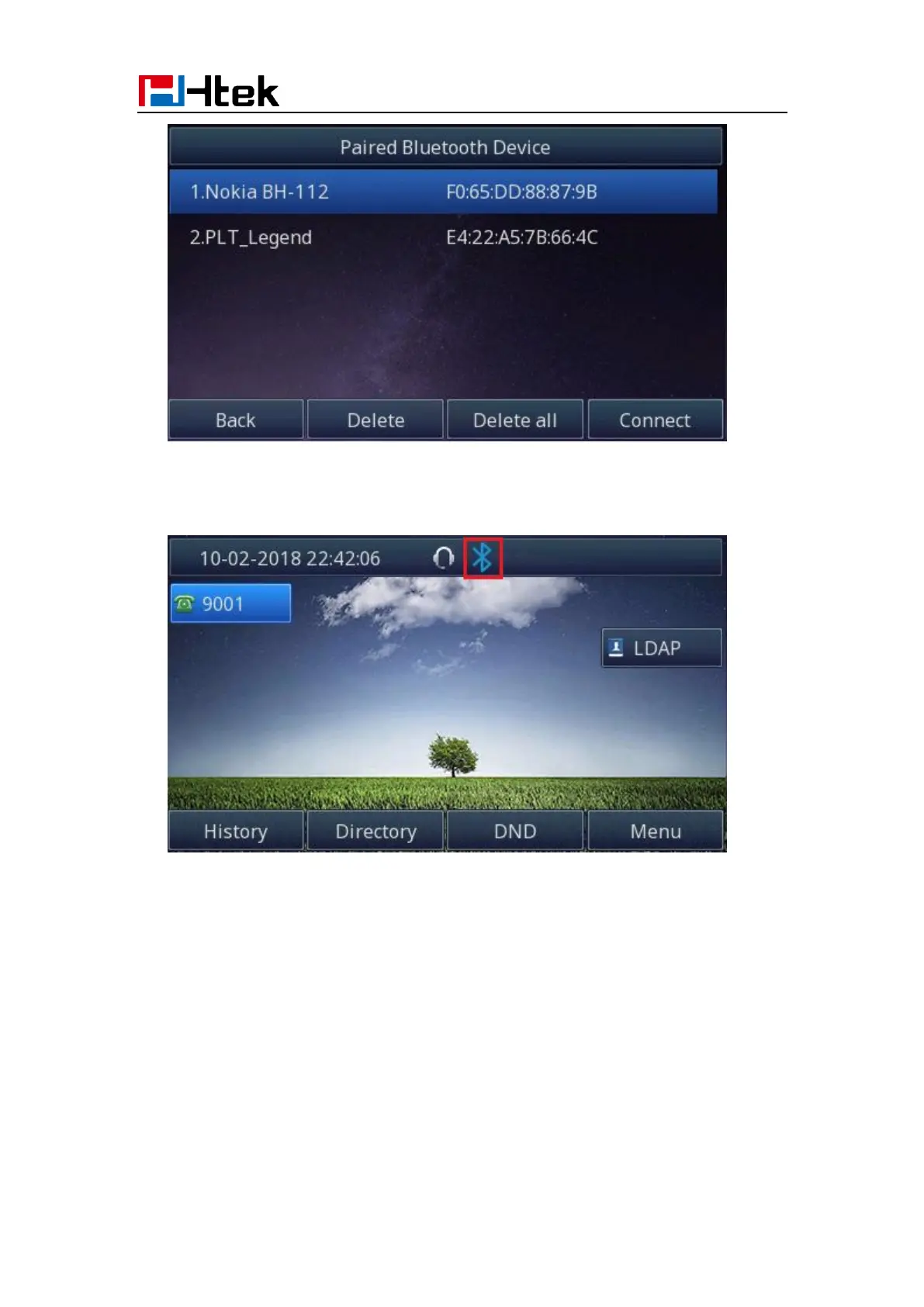
If you want to delete the Bluetooth device, please press the “Delete” or “Delete all”
button, then Bluetooth device will be deleted.
6. When you back to idle interface, you will see the connected successfully icon:
How to edit device information?
How to edit device information on phone interface:
1. Find Menu then navigate as follows:
Menu->Settings->Basic Setting->Bluetooth: Edit Device Information.



 To Next Page