WIFI Feature
168
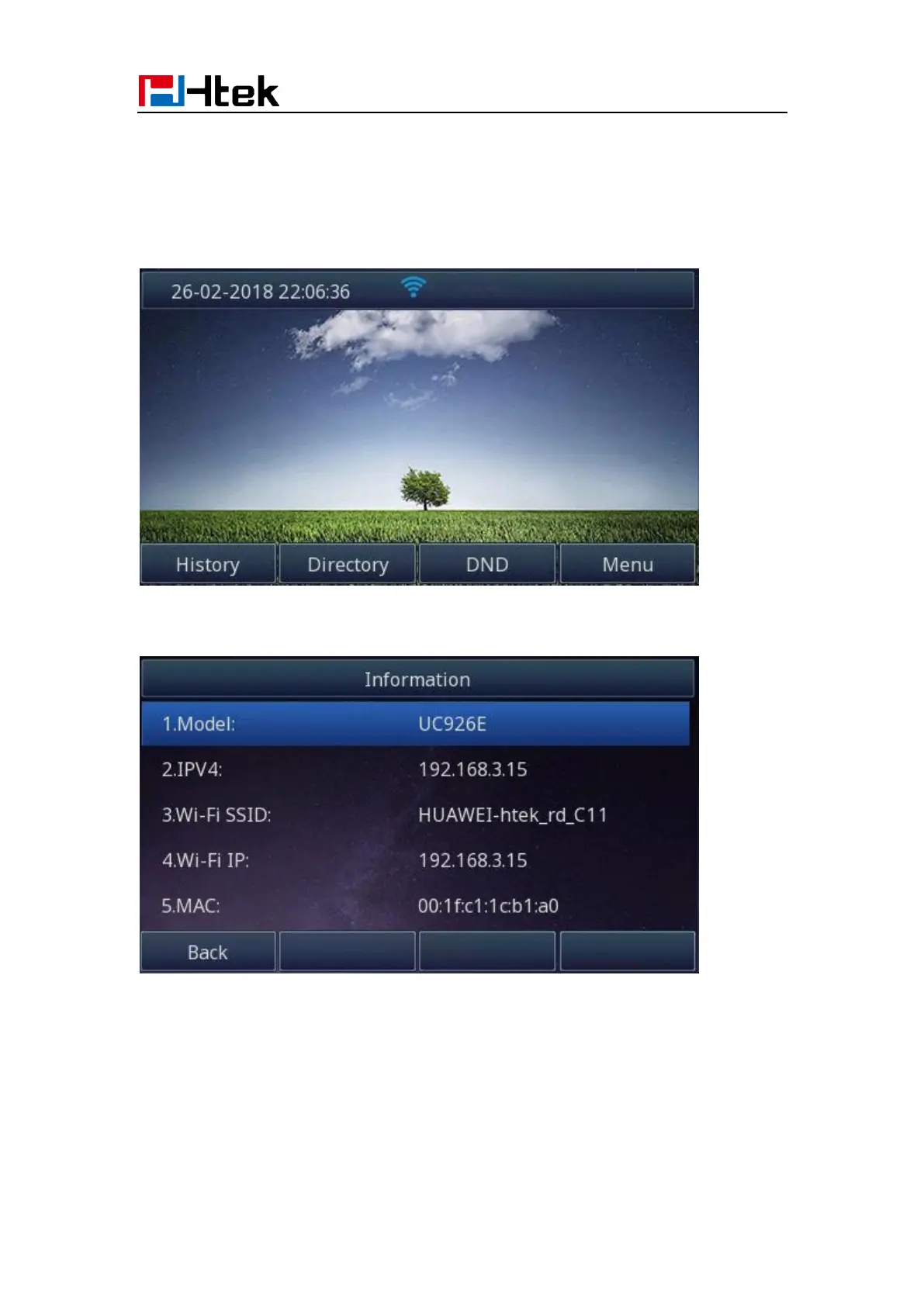
How to view Wireless Network status?
1. You will see the wireless network connected successfully icon when phone connects
wireless network successfully and back to idle interface:
2. You can see the wireless network’ detail information as follow:
Menu->Status->Information:
Or as follow:
Menu->Settings->Basic Setting->Wi-Fi: wireless status:



 To Next Page