WIFI Feature
170
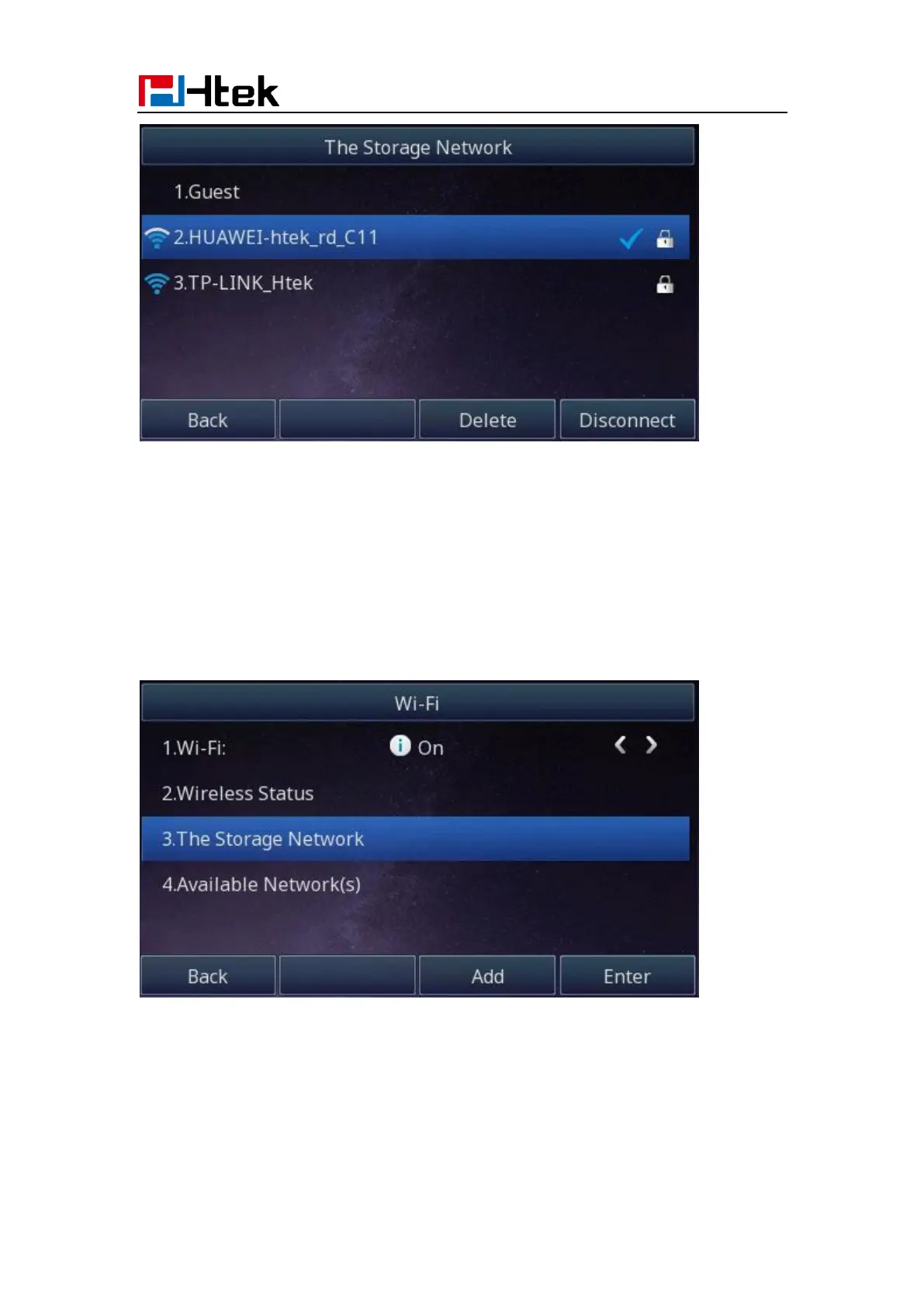
2. Press the “Disconnect” button to disconnect this wireless network:
How to Manually add a Wireless Network?
Add a Wireless Network Manually via Phone interface:
1. Find Menu then navigate as follows
Menu->Settings->Basic Setting->Wi-Fi: The Storage Network:
2. Press the “Add” button to add a wireless network:



 To Next Page