Getting Familiar with Your Phone
27
35. Network Group
36. Multicast Paging
37. Group Call Park
38. CallPark Retrieve
39. Pull Call
40. Shared Line
The LED lights status when set as Shared line:
Stay green: Idle
Stay red: Busy
Blinked green: Ring Back
Blinked red: A call incoming
Steady orange: During a call
Blinked orange: Public Hold
Blinked green: Private Hold
Light Drown: Unregistered
41. Broadsoft group
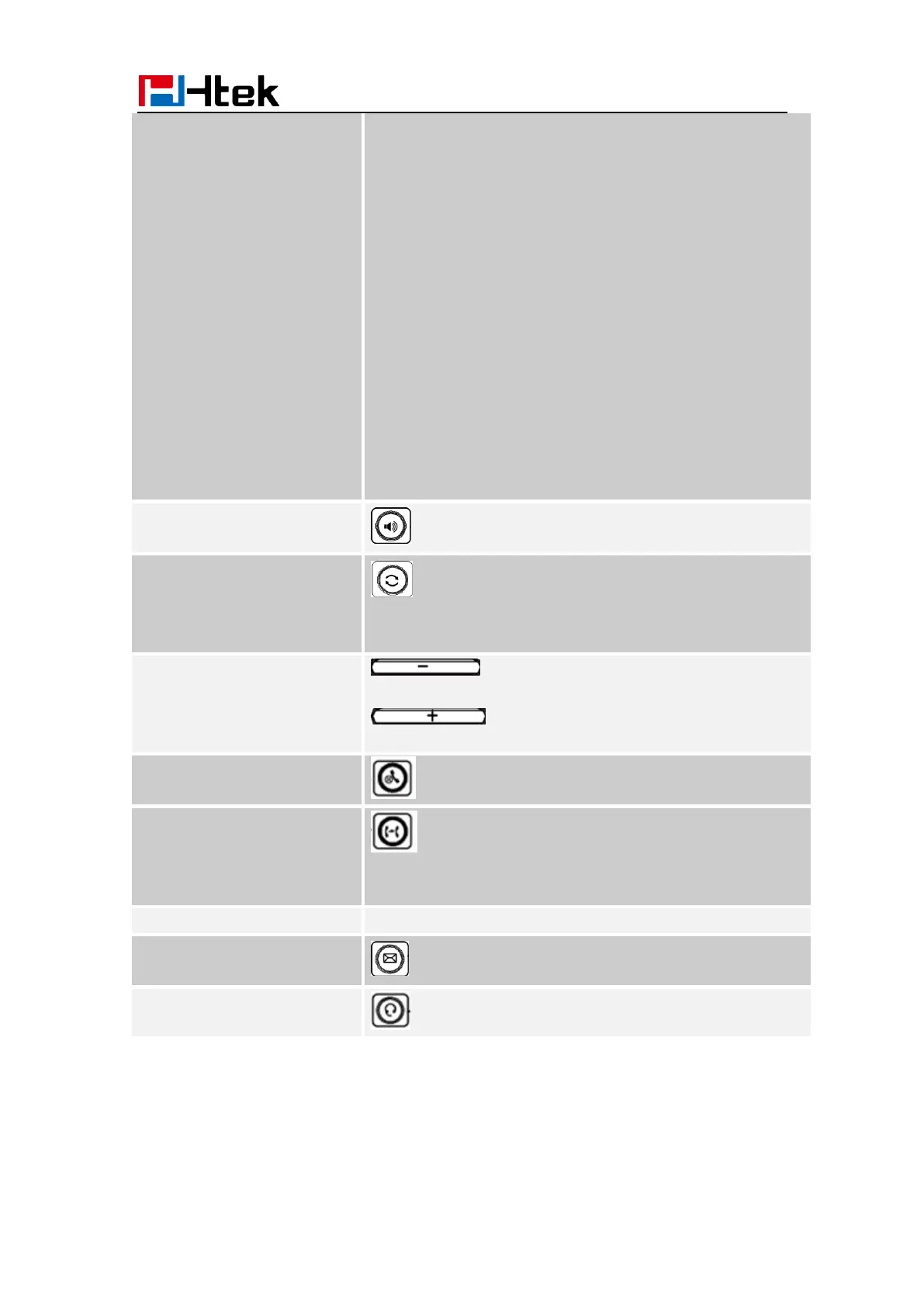
Press this button to place a call in hands-free mode.
To dial the previous dialed number.
To act as send key.
To decrease the volume.
To increase the volume.
To hold or to resume a call during a conversation.
To transfer a call to a third party.
To enable or disable Forward feature during the idle page.
To enter the phone numbers, letters and so on.
To indicator the New message, and press to read.
To indicate that the phone is or not in Headset mode.



 To Next Page