Basic Setting Configuration
61
2. Click Save and restart the phone.
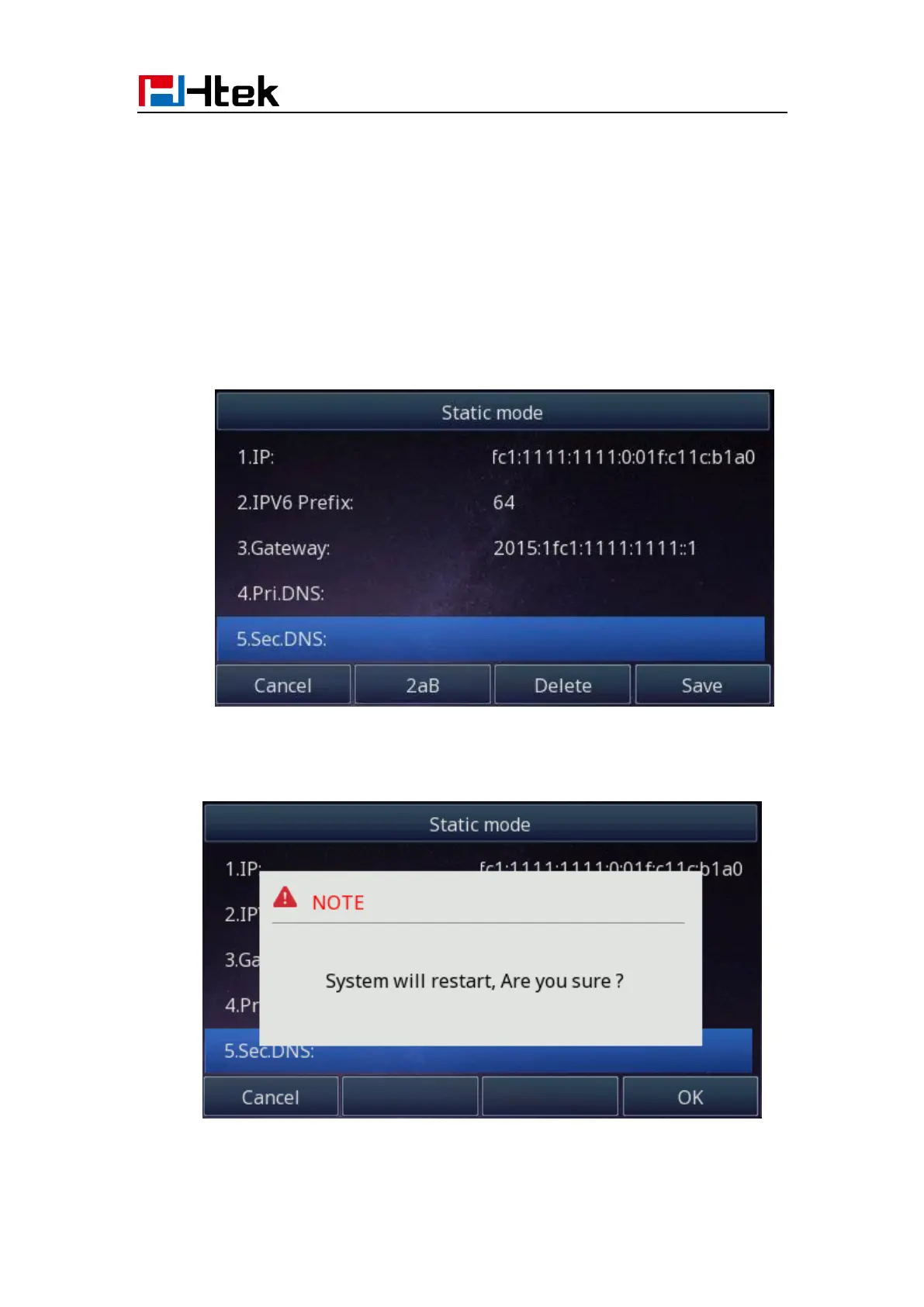
To configure a static IP address via Phone interface:
1. Press Menu→ Settings→ Advanced Setting (password: admin) → Network→ WAN
Port → IPv6 → Static mode.
2. Enter the parameters: IP, IPV6 Prefix, Gateway, Pri.DNS(primary DNS), sec.DNS
(second DNS) in the corresponding fields.
3. Click Save and restart the phone.
To configure Network via Web interface:



 To Next Page